
What is accounting software for a small business?
Accounting software is a digital system that helps a business keep financial records organized. Instead of maintaining income, expenses, invoices and reports across disconnected spreadsheets, a business can centralize those workflows in one system.
For a small business, the useful question is not simply whether software has a long feature list. The better question is whether it makes the financial work you already do more accurate, easier to review and less repetitive.
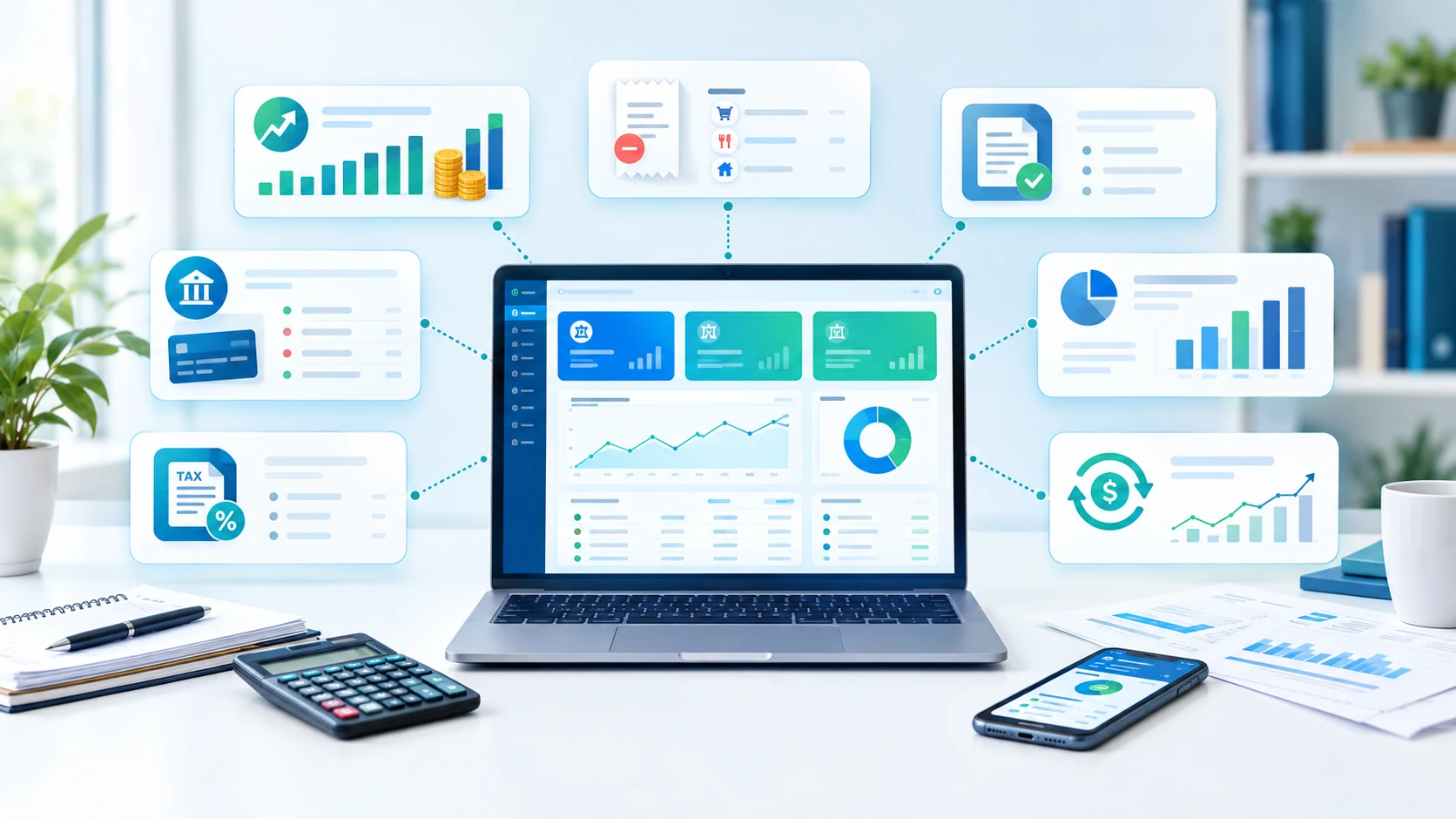
Depending on the product, accounting software may cover bookkeeping, invoicing, bills, expense tracking, bank reconciliation, financial statements, tax-related reporting, cash-flow visibility and integrations. Some platforms also include inventory, projects, payroll or payment collection.
Why small businesses move beyond spreadsheets
Spreadsheets can work when transaction volume is low and one person understands the process. Problems tend to appear as the business adds customers, payment methods, recurring bills, employees or multiple accounts.
- Duplicate entry: the same customer, invoice or payment may be entered in more than one place.
- Reconciliation work: manually matching bank transactions takes time and can create errors.
- Limited visibility: it is harder to maintain current cash-flow and profit information across separate files.
- Collaboration: sharing files creates version-control and access questions.
- Automation: recurring invoices, reminders and bank feeds are difficult to manage consistently with basic spreadsheets.
That does not mean every business needs a large accounting platform. A simple operation may need only core bookkeeping, invoicing and reporting. The goal is to match the system to the complexity of the business.
Essential accounting software features
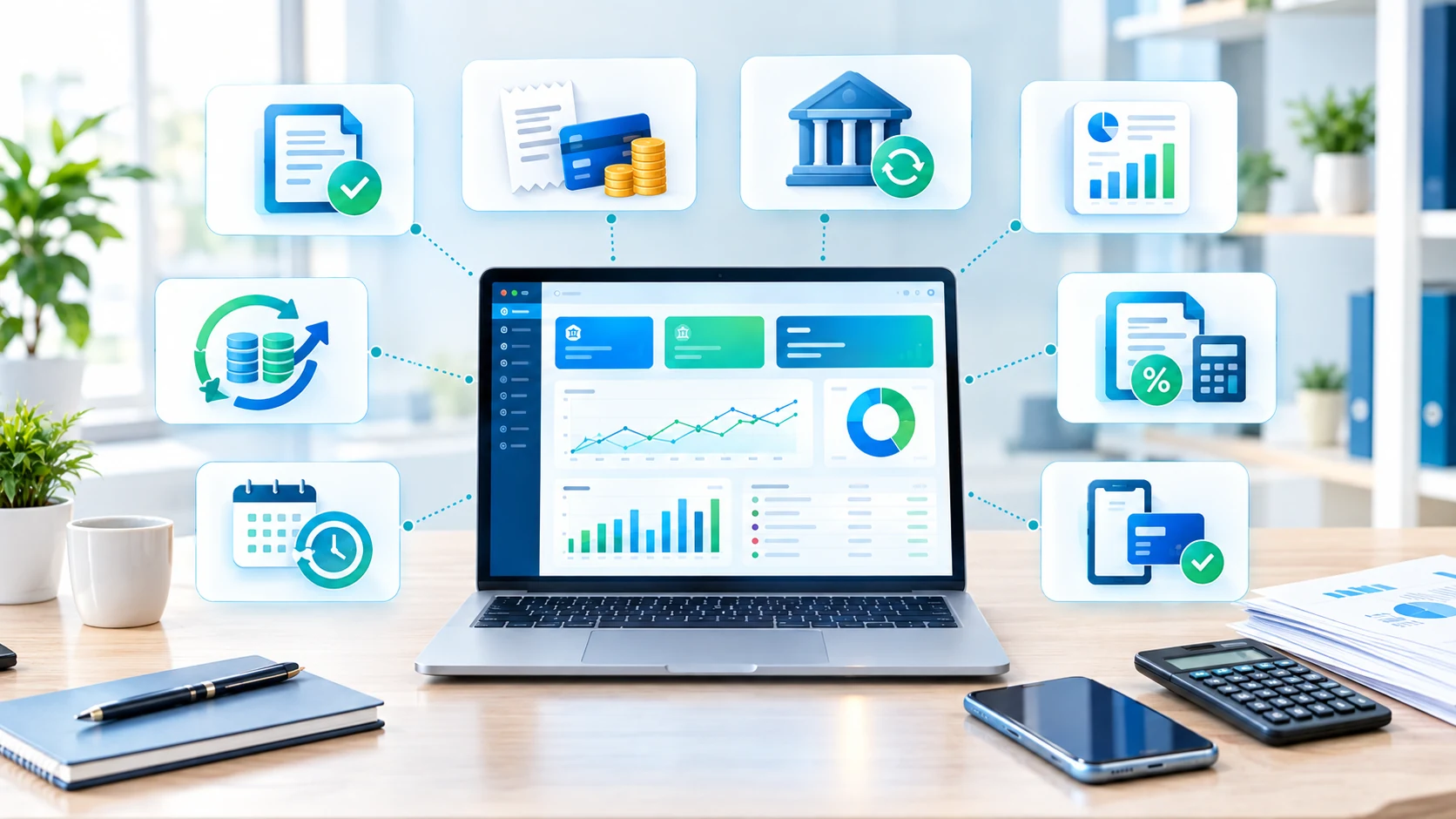
Before comparing providers, make a list of the workflows you need today. Common requirements include:
- Income and expense tracking: categorize transactions and keep records organized.
- Invoicing: create invoices, track status and record payments.
- Bills and payables: manage supplier bills and due dates.
- Bank feeds: import transactions where supported and reconcile them against your books.
- Financial reports: review profit and loss, balance sheet, cash flow and other reports relevant to the business.
- Receipt capture: store or extract information from receipts and expense documents.
- Tax support: maintain the fields and reports needed for the tax workflow that applies to your business.
- Integrations: connect payments, CRM, ecommerce, payroll, inventory or other systems when necessary.
- Access controls: give owners, staff and accountants appropriate access without sharing a single password.
Free vs paid accounting software
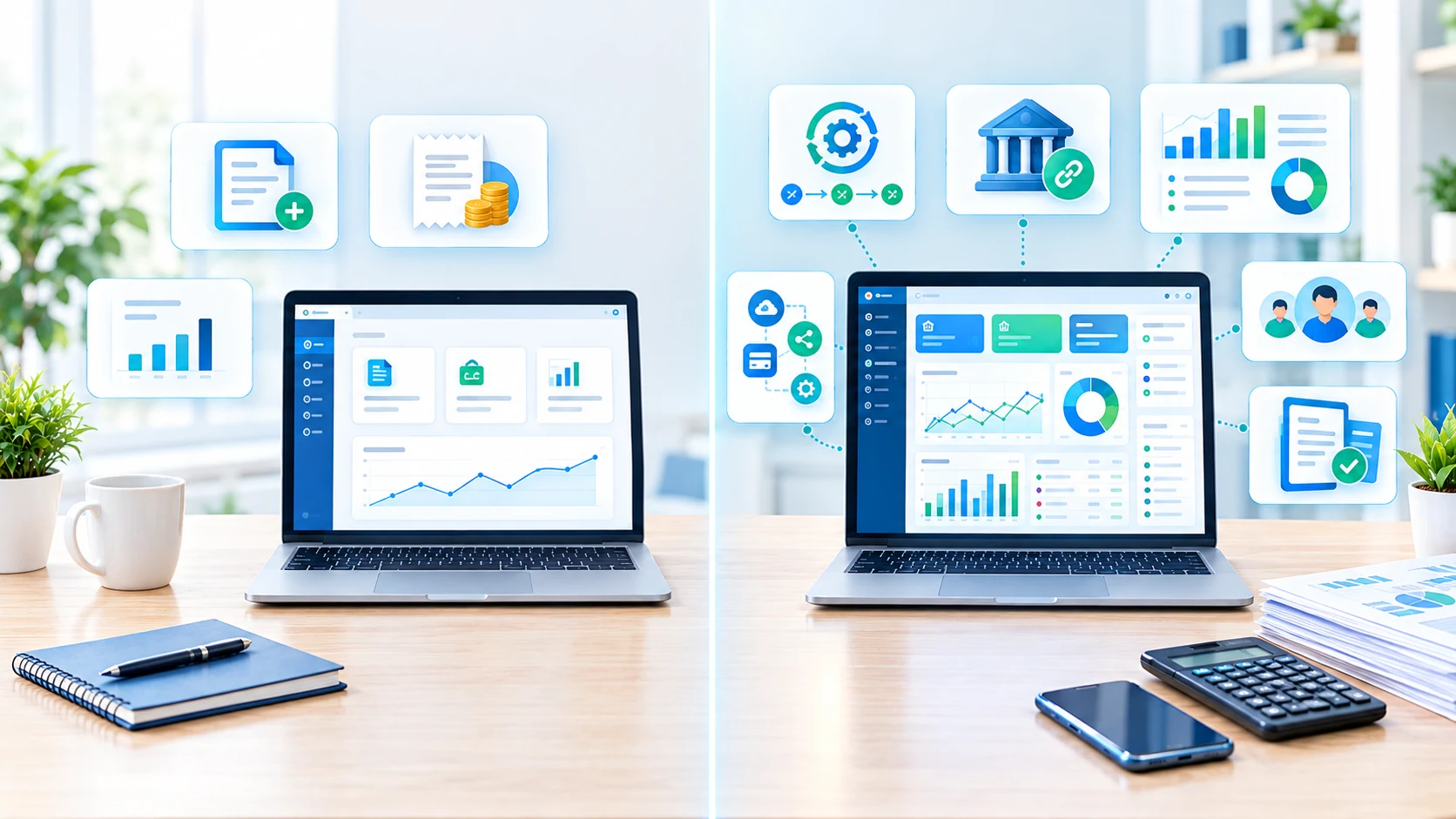
Free accounting software can be useful when a business is small and the included limits match its workflow. Paid software becomes more relevant when the business needs additional users, bank feeds, advanced reporting, automation, inventory, projects, support or higher transaction limits.
| Consideration | Free plan may fit when... | Paid plan may make sense when... |
|---|---|---|
| Users | One owner or a very small team | Multiple staff or accountant access is required |
| Transactions | Volume is comfortably within limits | Higher volume or more automation is needed |
| Reporting | Basic reports are enough | Detailed reports, dashboards or forecasting matter |
| Integrations | Few external systems are needed | Banking, ecommerce, CRM, payroll or other integrations are important |
| Automation | Manual review is manageable | Recurring tasks and reconciliation should be automated |
Do not compare subscription prices alone. A cheaper plan can cost more overall if it forces manual work, requires separate tools or has payment and add-on fees.
Cloud accounting for small businesses
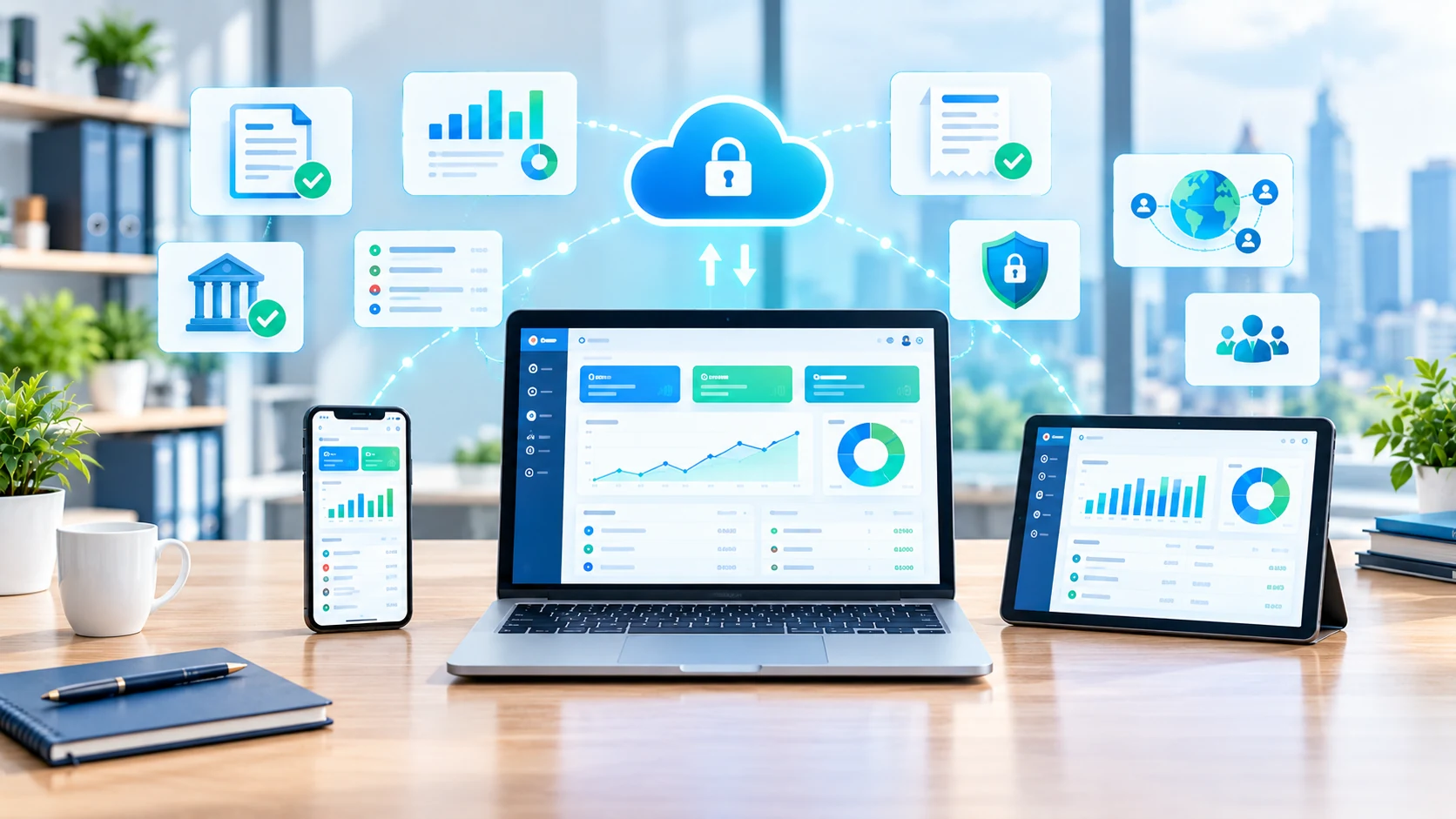
Cloud accounting typically runs through a browser or mobile application, with financial data stored in the provider's hosted environment. This can simplify collaboration, updates and access across devices.
Before choosing a cloud platform, review account permissions, export options, backups, supported integrations, data retention and the provider's security documentation. Also confirm that the platform supports the currencies, tax workflows and banking connections relevant to your location.
How invoices, expenses and bank reconciliation connect
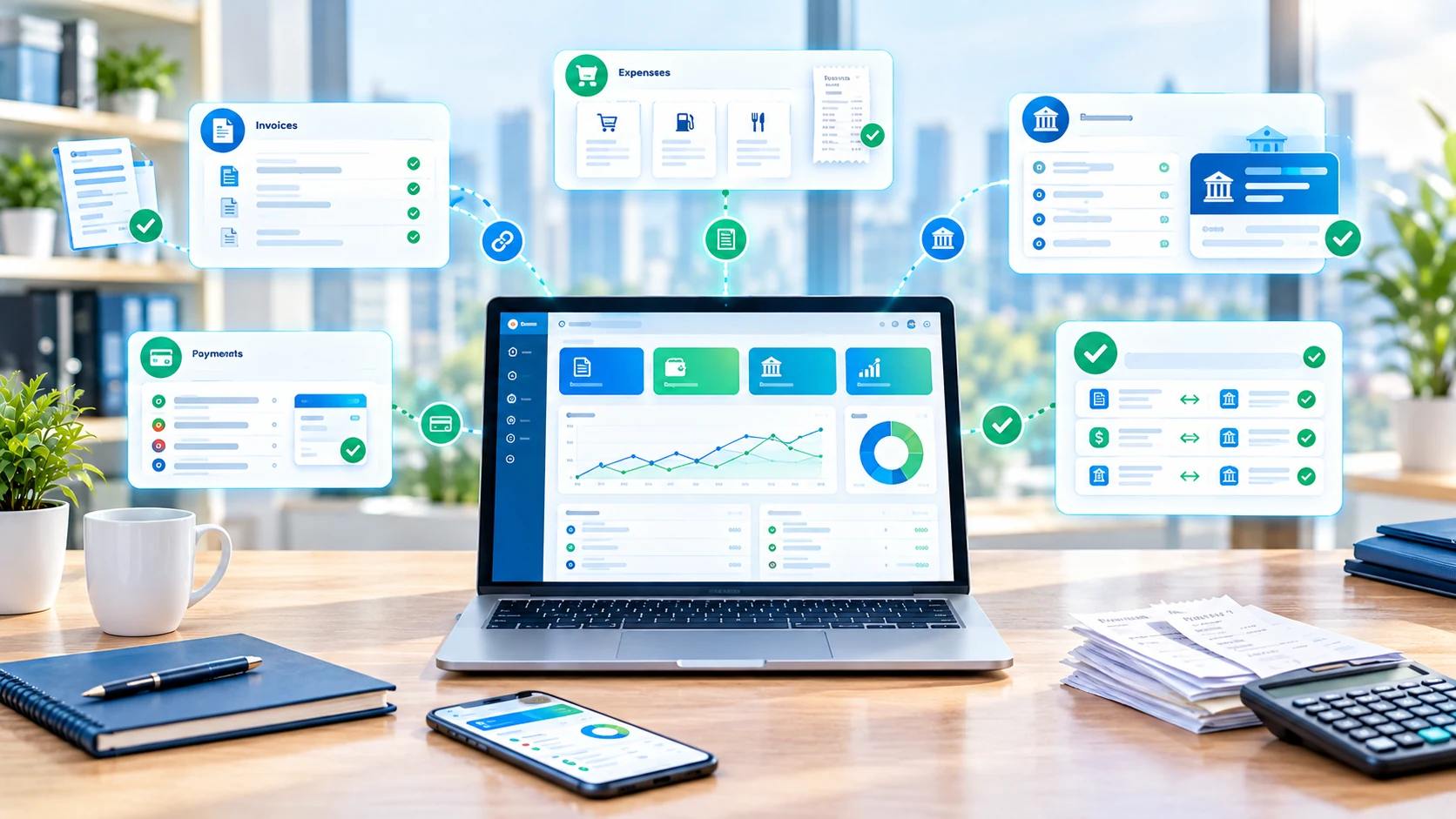
One of the biggest practical benefits of accounting software is connecting related financial events. An invoice creates a receivable. A customer payment changes the outstanding balance. A bank transaction provides a record that can be matched to the payment. Expenses and supplier bills feed into the same financial picture.
When these steps are connected, reconciliation becomes a repeatable process instead of a monthly search through unrelated documents.
Accounting software options to compare
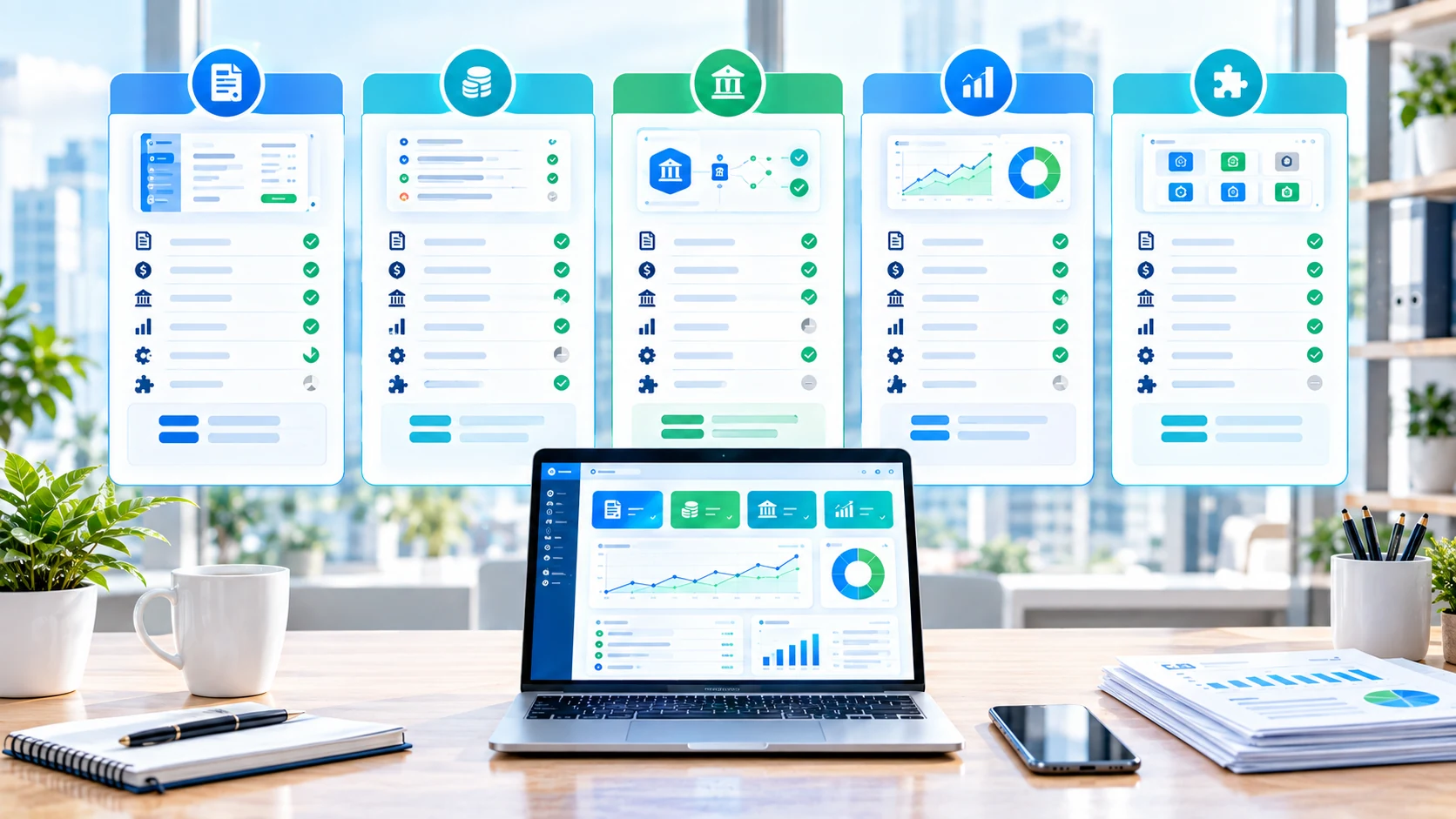
The following providers illustrate different approaches to small-business accounting. This is a descriptive comparison, not a universal ranking.
| Provider | Current positioning | Pricing snapshot | Useful comparison points |
|---|---|---|---|
| QuickBooks Online | Broad accounting platform with invoicing, reporting, bank feeds and integrations. | US list prices displayed by QuickBooks include Simple Start $38/month, Essentials $85, Plus $140 and Advanced $340 before promotions. | Compare plan limits, users, automation, inventory/project needs and current promotions. |
| Xero | Cloud accounting with invoicing, bank reconciliation, reporting and automation. | US regular prices from Oct. 1, 2026: Early $27, Growing $59, Established $97/month. | Check invoice/bill limits, cash-flow tools, currencies, add-ons and current offers. |
| Zoho Books | Accounting platform with invoicing, expenses, reporting, integrations and broader business tools. | US page currently shows Free $0; Standard $20 monthly/$15 annually; Professional $50/$40; Premium $70/$60; higher tiers also available. | Compare organization limits, automation, inventory, integrations and reporting by plan. |
| FreshBooks | Small-business accounting with a strong invoicing and client-management workflow. | USD plans currently listed as Lite $23/month, Plus $43 and Premium $70; annual prices are also published. | Compare clients, invoices, expenses, reporting, users and plan limits. |
| Wave | Accounting and invoicing platform with a free Starter plan and paid Pro tier. | Starter $0; Pro $19/month or $190/year. Payment processing fees apply where enabled. | Compare banking automation, receipts, reminders, payments and support needs. |
Provider pricing is time-sensitive. QuickBooks has published 2026 pricing changes, Xero's US pricing changed on October 1, 2026, and providers can show different promotional prices from their regular list prices. Use the official pricing page when making a purchase decision.
Accounting software pricing and total cost
A realistic budget should include more than the headline subscription. Check:
- monthly or annual subscription
- number of users or organizations
- payment-processing fees
- payroll or inventory add-ons
- receipt-capture or automation add-ons
- accountant or advisor access
- taxes and regional charges
- migration or setup effort
For example, QuickBooks currently displays regular US plan prices ranging from $38/month for Simple Start to $340/month for Advanced, while Zoho Books lists a free plan and paid tiers starting at $20/month monthly in the US. Xero's US regular prices from October 1, 2026 are $27, $59 and $97/month for Early, Growing and Established. FreshBooks lists USD Lite, Plus and Premium plans at $23, $43 and $70/month. Wave lists Starter at $0 and Pro at $19/month. These are provider-published figures and can change with promotions, taxes or region.
How to choose accounting software for your business
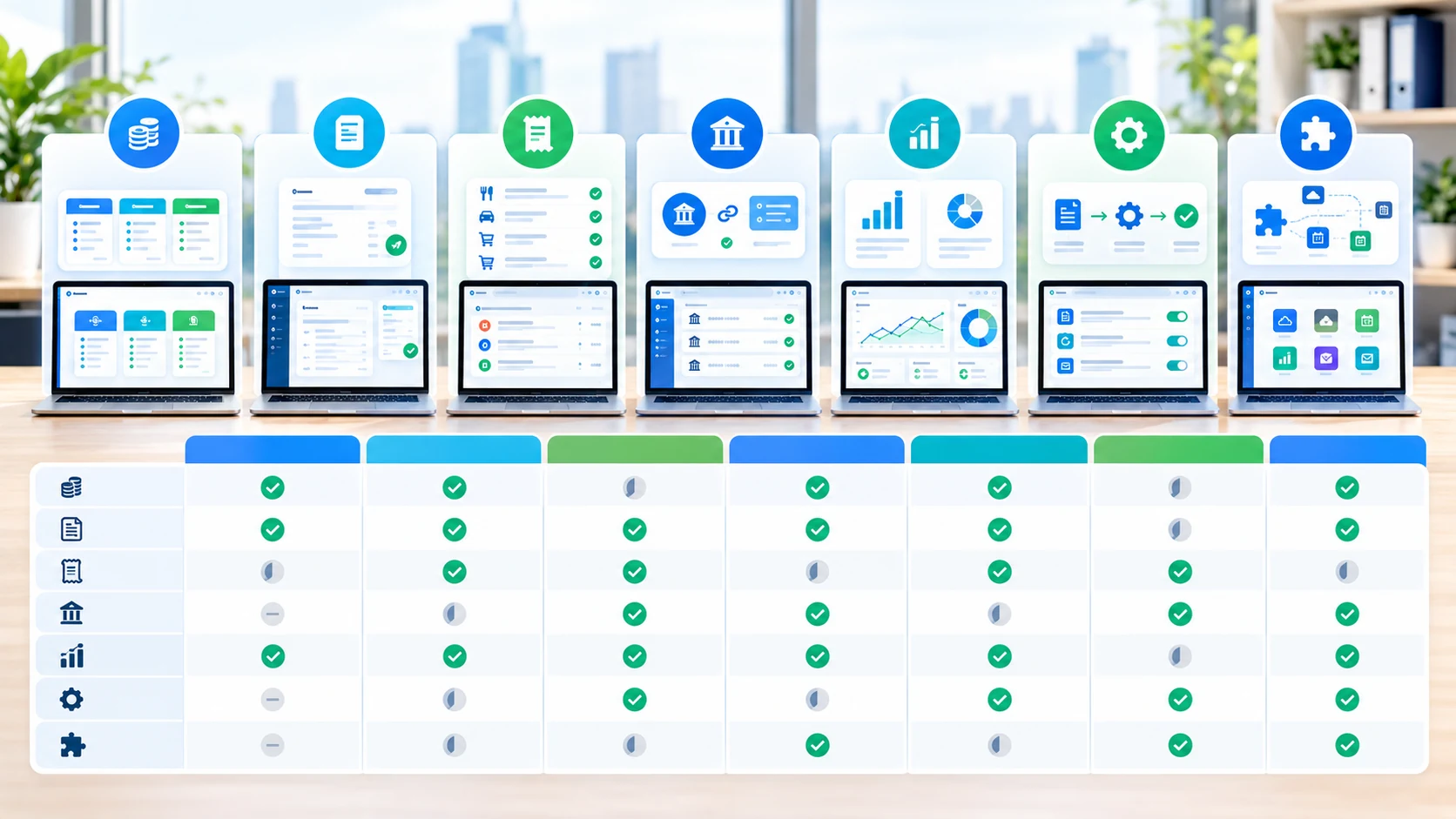
- Map your workflow: list how invoices, expenses, payments, bills and reports move through the business.
- Count users: include owners, employees, bookkeepers and accountants who need access.
- Check transaction volume: estimate invoices, bills, payments and bank transactions.
- List integrations: identify banking, ecommerce, CRM, payroll, inventory and payment systems you already use.
- Review regional needs: tax, currency, language and supported banking features can differ by country.
- Compare the full cost: include add-ons, processing fees and annual billing.
- Test real workflows: create a sample invoice, reconcile a bank transaction and run a report before migrating everything.
Accounting software integrations
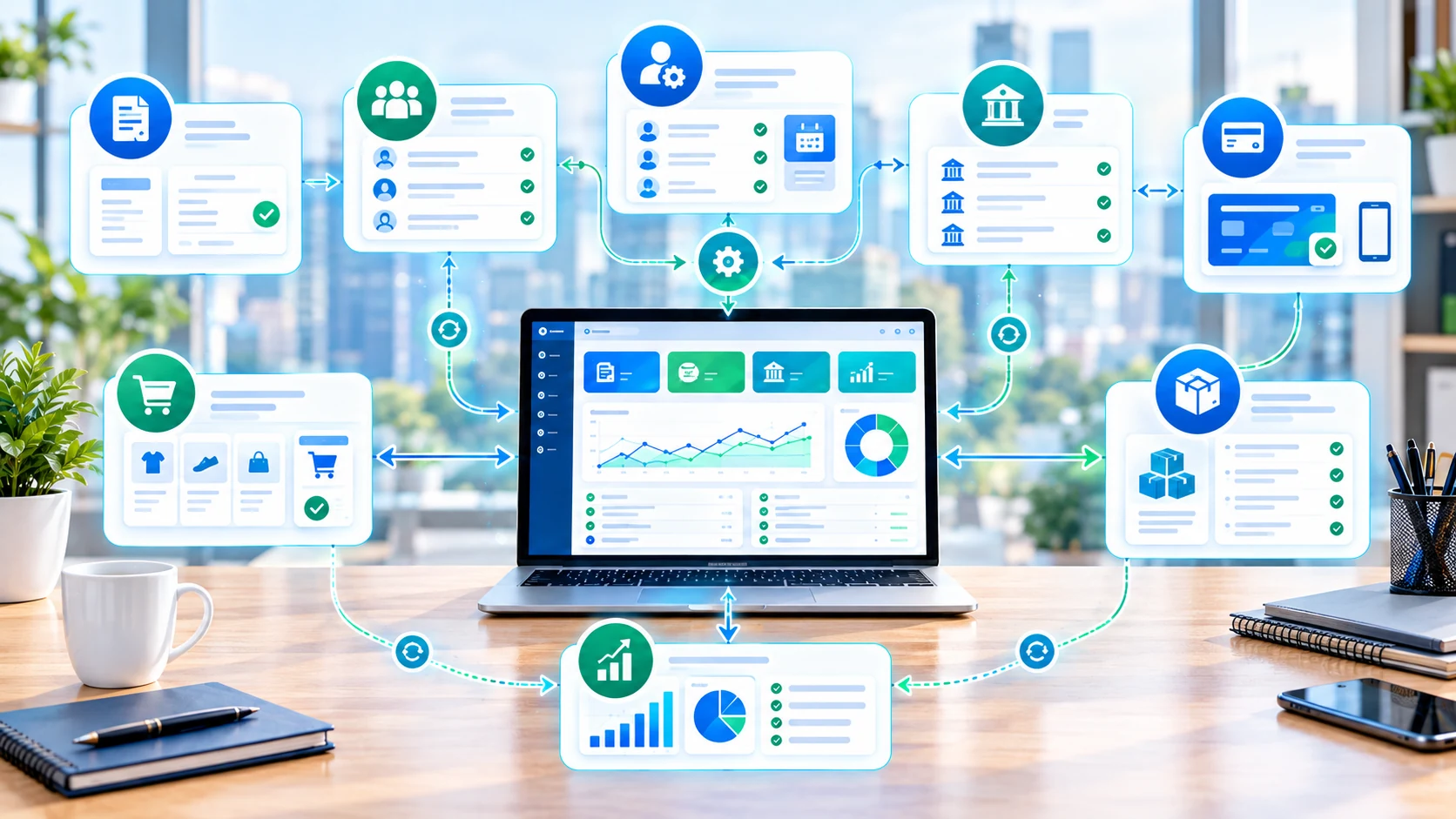
Integrations are valuable when they remove duplicate work. A business might connect accounting to a CRM for customer information, an ecommerce platform for orders, a payment processor for transactions, inventory software for stock movements or payroll for employee costs.
But every connection adds complexity. Before enabling an integration, decide which system is the source of truth, what data is synchronized, how often it updates and who reviews errors.
Accounting software setup checklist
- Set the business legal name, address and applicable tax details.
- Choose or review the chart of accounts.
- Set invoice numbering and payment terms.
- Add only the customers and vendors you need.
- Connect supported bank accounts carefully.
- Set rules for categorizing recurring transactions.
- Import opening balances using a controlled process.
- Invite the accountant or bookkeeper with appropriate permissions.
- Run test reports before relying on the system for decisions.
- Confirm how records can be exported if you ever change platforms.
Common accounting software mistakes
- Choosing only by price: the cheapest plan may not match the workflow.
- Ignoring migration: moving historical data can require more planning than expected.
- Over-automating: transaction rules should be reviewed for unusual cases.
- Skipping reconciliation: imported bank transactions still need appropriate review.
- Giving everyone full access: permissions should reflect each person's responsibilities.
- Ignoring exports: understand how you can retrieve financial records before becoming dependent on a platform.
- Using overlapping tools: multiple systems can create duplicate records and reconciliation problems.
How accounting software can support business growth

Accounting software does not create growth by itself. Its value is that it can make financial information easier to organize and review.
When invoices, expenses, payments and bank transactions are recorded consistently, owners can spend less time assembling basic financial information and more time using it. Timely reports can help with cash-flow planning, pricing decisions, expense control and conversations with accountants or lenders.
The practical test is simple: does the system make an important financial workflow faster, clearer or less error-prone?
Accounting software for small business FAQ
What is accounting software for a small business?
Accounting software helps a business record income and expenses, manage invoices and bills, reconcile transactions, track cash flow and produce financial reports. More advanced platforms can add payroll, inventory, projects, tax workflows and automation.
What is the best accounting software for a small business?
There is no universal best option. The right choice depends on transaction volume, users, invoicing, bank connections, reporting, tax requirements, integrations, location and total cost. Compare those requirements against the current plans of the providers you are considering.
Is there free accounting software for small business?
Yes. Some providers offer free plans or free accounting products. Free plans can have limits on users, transactions, automation, reporting, support or other features, so check the current provider terms before moving your financial records.
How much does accounting software cost for a small business?
Costs range from free plans to monthly subscriptions. Some providers charge per organization, while others vary by plan or users. Payment processing, payroll, add-ons, taxes and regional pricing can increase the total cost.
Can accounting software connect to a bank account?
Many cloud accounting platforms support bank feeds or bank connections. Availability and supported institutions vary by provider and country, and businesses should review permissions and reconciliation workflows before enabling a connection.
Is cloud accounting better than desktop accounting?
Cloud accounting provides browser or app access, automatic updates and easier collaboration, but the right setup depends on the business. Consider offline requirements, integrations, data access, security, support and total cost rather than choosing solely by deployment model.
Can accounting software handle invoices and expenses?
Many platforms combine accounting with invoicing and expense tracking. The exact capabilities vary, so check recurring invoices, bill management, receipt capture, payment collection, expense categorization and reporting against your workflow.
Final takeaway
Accounting software for a small business should match the way the business actually records money, invoices customers, pays bills and reviews financial performance. Start with the core workflows you need, then evaluate automation, integrations, reporting and collaboration as your requirements grow.
Free accounting software can be useful for simple operations, while paid plans can make sense when higher limits, automation, integrations or team access justify the additional cost. Compare current provider terms, regional pricing and total fees before moving your financial records.
Official sources & pricing references
- QuickBooks Online pricing and products — current US plan pricing and product details.
- QuickBooks 2026 pricing update — provider information on 2026 price changes.
- Xero US pricing plans — current plan features and pricing.
- Xero US pricing update — October 1, 2026 US price changes.
- Zoho Books US — current US plans, features and pricing.
- FreshBooks 2026 price update — current USD plan prices.
- Wave pricing — current Starter and Pro plans and payment fees.
Pricing and product packaging are time-sensitive. This article was prepared using official provider information available on October 2, 2026. Regional pricing, taxes, promotions, add-ons and payment fees can differ.