
What is CRM software for a small business?
CRM stands for customer relationship management. CRM software gives a business one place to store customer and prospect records, track sales opportunities, schedule follow-ups, record conversations and see what needs attention next.
For a small business, the practical value is less about having another dashboard and more about making customer management repeatable. Instead of keeping one spreadsheet for contacts, notes in an inbox, reminders on a phone and sales status in someone's memory, a CRM can connect those activities.

A CRM can be useful when you regularly answer questions such as: Who is this lead? What did we promise them? When should we follow up? Which opportunities are close to a decision? Which customers have not heard from us recently?
Why small businesses move from spreadsheets to CRM
- Less scattered information: customer details, activities and notes can live in a shared record.
- Clearer sales stages: leads can move through defined stages instead of relying on memory.
- Follow-up visibility: tasks and reminders reduce the chance that a promising inquiry is forgotten.
- Better reporting: owners can see pipeline value, activity and conversion patterns without rebuilding a spreadsheet every week.
- Team handoff: another employee can understand a customer history without asking for the entire backstory.
A spreadsheet is not automatically a bad solution. If you have a handful of customers and a simple process, it may be enough. A CRM becomes more useful as the number of leads, conversations, sales stages, users and recurring follow-ups grows.
Essential CRM features for small businesses

1. Contact and customer management
A useful CRM should make it easy to store names, companies, contact details, notes, activities and relevant custom fields. Look for duplicate handling, import/export and search because a CRM becomes frustrating when records are difficult to maintain.
2. Lead and deal tracking
Lead management separates potential customers from existing customers and lets you track where an opportunity stands. Deal records can add value when a sale has a defined amount, probability, expected close date or next action.
3. Sales pipeline
A pipeline gives the team a shared view of opportunities by stage. The exact stages should match the business rather than copying a generic template. A service company might use inquiry, qualified, proposal, scheduled and won; another business may need completely different stages.
4. Tasks, reminders and activities
CRM software should make the next action obvious. Tasks can cover calls, emails, meetings, proposals, renewals or follow-ups. Recurring activities can be automated where the process is predictable.
5. Email and calendar integration
Connecting email and calendars can reduce duplicate data entry and make customer history easier to understand. Check exactly what the integration records and whether it requires an additional plan or add-on.
6. Reporting and analytics
Start with a small set of useful reports: pipeline by stage, new leads, lead source, activities, won/lost deals and conversion rates. Advanced dashboards are only valuable when the underlying data is kept accurate.
7. Workflow automation
Automation can create tasks, assign leads, update fields, send internal notifications or move records after a trigger. Build simple workflows first and test them before adding complex branching.
8. Team collaboration and permissions
As soon as multiple people access customer records, permissions matter. Check whether the CRM supports roles, visibility controls, team assignment and audit history appropriate to your business.
9. Customer history
A useful customer timeline can connect calls, emails, meetings, notes, purchases and support activity. This gives the next person context without requiring the customer to repeat information.
CRM lead management and sales pipeline

A CRM can help a small sales team create a consistent path from first inquiry to customer. The important part is not the number of pipeline columns; it is whether each stage represents a meaningful change in the buying process.
For example, a simple workflow might be:
- Capture the new inquiry.
- Check whether the prospect matches the target customer profile.
- Record the problem, budget or requirements that matter.
- Schedule the next action.
- Move the opportunity to a proposal or decision stage.
- Record the outcome as won, lost or postponed.
- Trigger the appropriate customer or internal follow-up.

Free CRM for small business vs paid CRM
Free CRM plans can be a practical starting point, especially for a solo operator or very small team. The trade-off is usually not simply “free versus expensive.” It is about limits: users, contacts, automation, reporting, integrations, customization, support and data controls.
| Factor | Free CRM | Paid CRM |
|---|---|---|
| Cost | Often $0, subject to plan limits | Recurring subscription, usually per user or per account |
| Core contacts and deals | Often available | Available with broader limits |
| Automation | May be limited | Usually more workflows and actions |
| Reporting | Basic reports may be enough for early use | More dashboards, filters and advanced reporting are common |
| Integrations | May have fewer or restricted connections | Usually broader integration and API options |
| Customization | Often limited | More fields, pipelines, permissions and process controls |
| Support | May be self-service | Higher plans may include more support or onboarding |
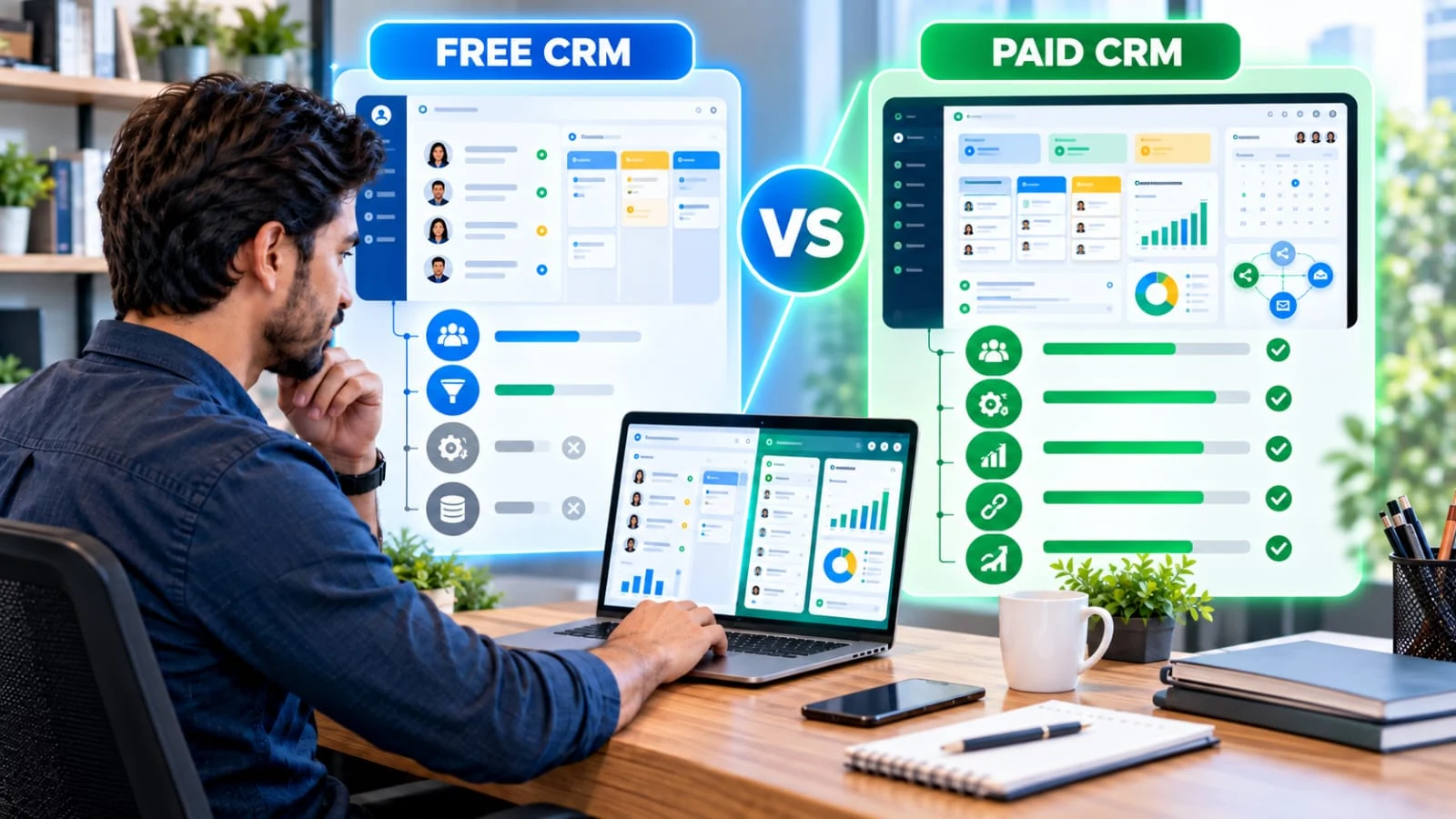
Before moving from free to paid, identify the specific limit you are hitting. If the only problem is one missing report, you may need a different plan or tool. If you are repeatedly hitting limits across users, automation and integrations, the upgrade may be easier to justify.
CRM software for small business: options to compare
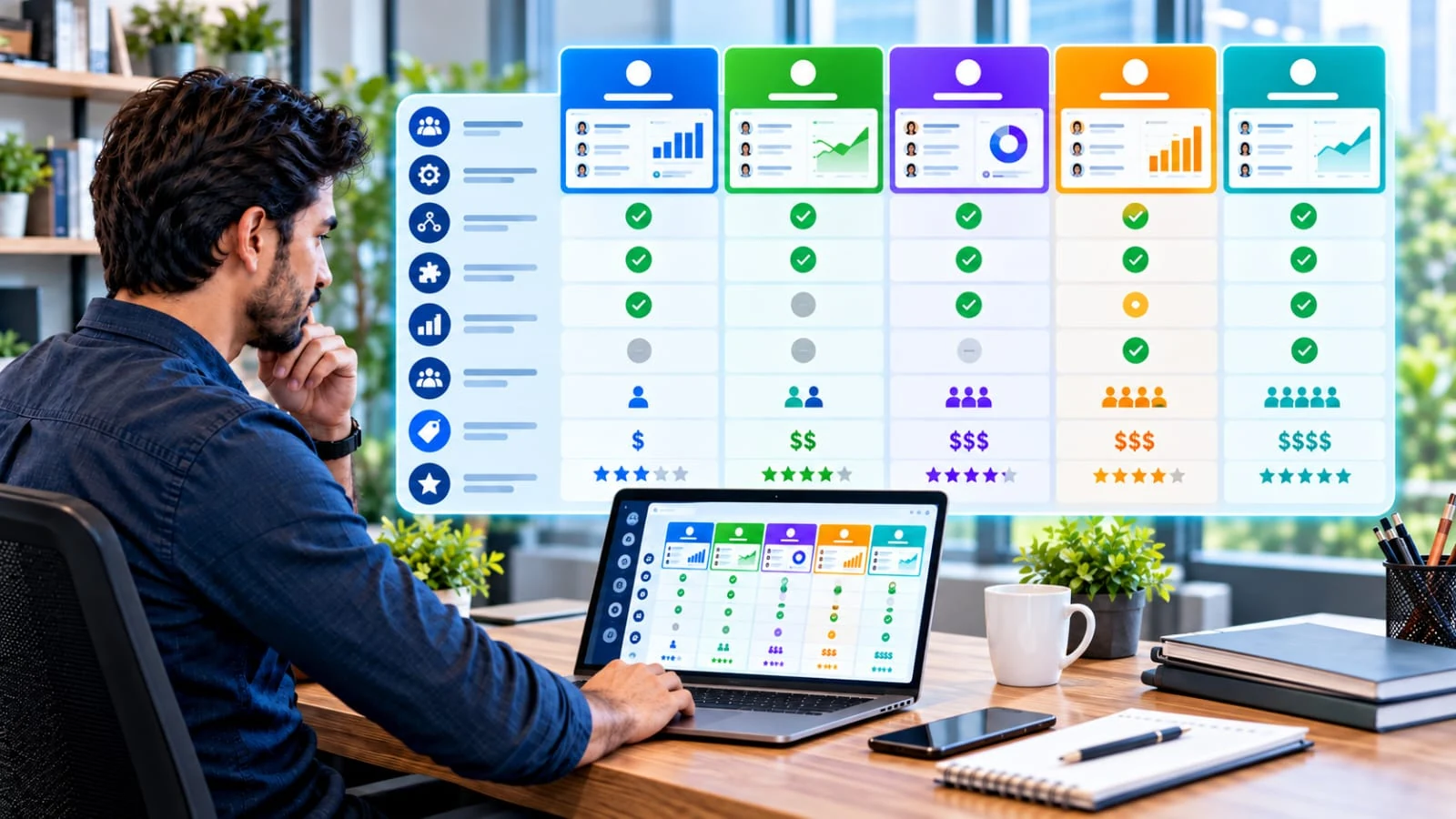
The providers below represent different approaches to CRM. This is a descriptive comparison, not a universal ranking. Features and packaging change, so use the linked official pages to confirm current limits and pricing.
HubSpot CRM
Free + paidHubSpot offers a free CRM with contact management, deal pipelines, imports, reporting and AI-assisted features. Its current product page says the free CRM is available without expiration and supports up to two users. Paid tiers add capabilities such as additional controls, AI customer-agent functionality and more advanced reporting.
Useful when: you want a recognizable CRM ecosystem with a free entry point and room to add other customer-facing tools later.
Zoho CRM
Free + paidZoho CRM offers a free edition for up to three users and paid editions with progressively broader automation, analytics, customization and AI capabilities. Zoho's current documentation lists Free, Standard, Professional, Enterprise and Ultimate editions.
Useful when: you want a CRM that can connect with a broad business-software ecosystem and need a range of plan levels.
Freshsales
Sales-focused CRMFreshsales currently lists Growth, Pro and Enterprise plans. The official pricing page displays Growth at $9/user/month, Pro at $39/user/month and Enterprise at $59/user/month when billed annually. Features expand from core contact and pipeline workflows into scoring, sequences, forecasting, permissions and other advanced controls.
Useful when: your priority is a sales-focused workflow with communication, pipeline and follow-up capabilities.
Pipedrive
Pipeline-focusedPipedrive's current 2026 plan structure is Lite, Growth, Premium and Ultimate. Its pricing page currently displays Lite at US$14/seat/month, Growth at US$39 and Ultimate at US$79 when billed annually; optional add-ons can change the total. The platform emphasizes customizable pipelines, follow-up automation, reporting and sales workflows.
Useful when: your team primarily needs a structured sales pipeline and repeatable deal-management process.
monday CRM
Flexible workflowsmonday CRM is built around customizable boards and workflows. Its current CRM pricing page displays Basic at $12/seat/month, Standard at $17 and Pro at $28 when billed annually, with plan and seat requirements affecting the final amount. AI features and automation expand across the paid tiers.
Useful when: you want a visual, customizable workflow that can combine CRM records with broader team processes.
CRM pricing for small business: what you really pay for
CRM pricing can look simple until you calculate the full operating cost. A plan may be priced per user, per month, per year, by contact count, by feature bundle or through add-ons. Some providers also use minimum seat counts or separate charges for advanced AI and automation.
Examples of current starting prices
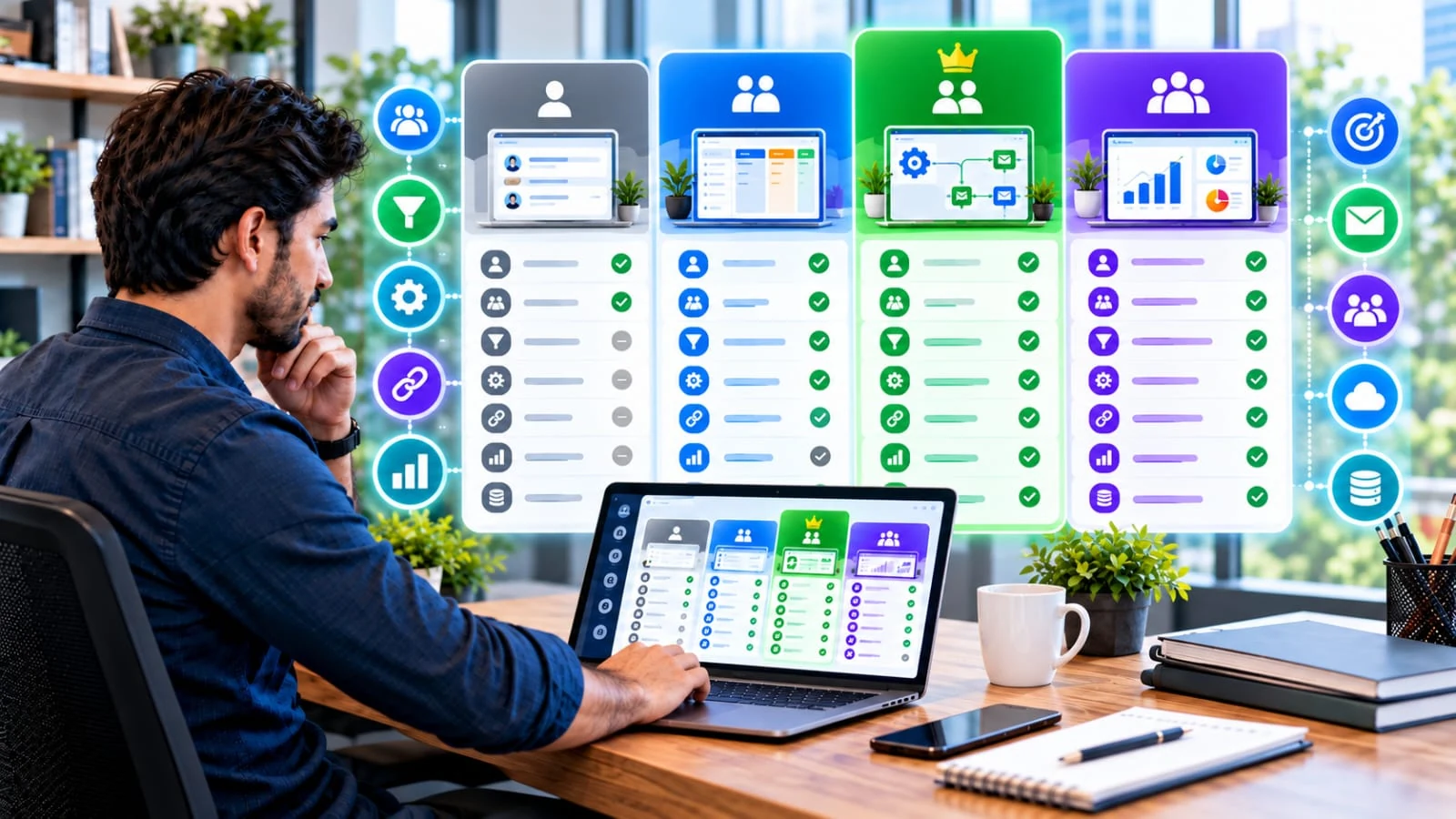
- HubSpot: free CRM for up to two users; its current Sales Hub pricing page displays paid starting prices including $15/seat/month for Starter, $50 for Professional and $75 for Enterprise, subject to the displayed billing and offer conditions.
- Freshsales: $9/user/month for Growth, $39 for Pro and $59 for Enterprise when billed annually on the current official pricing page.
- Pipedrive: $14/seat/month for Lite, $39 for Growth and $79 for Ultimate when billed annually on the current pricing page; optional add-ons can increase the total.
- monday CRM: current annual-billing display shows $12/seat/month for Basic, $17 for Standard and $28 for Pro, with seat count and plan rules affecting the total.
- Zoho CRM: offers a free edition for up to three users plus paid editions. Exact paid pricing depends on the selected currency and billing cycle.
Pricing checked against official provider pages on September 29, 2026. Promotional pricing, regional taxes, billing cycles, minimum seats, add-ons and plan limits can change. Use the official pricing links above before purchasing.
Calculate total cost, not just the headline price
- Number of users who actually need full CRM access
- Annual versus monthly billing
- AI usage or agent/session charges
- Lead, contact or storage limits
- Automation and API limits
- Required integrations and add-ons
- Migration, onboarding or implementation work
- Time required to keep the CRM data clean
AI CRM for small business: where AI helps
AI is increasingly built into CRM products, but the useful question is not “Does this CRM have AI?” It is “Which repetitive or information-heavy task will AI improve for my team?”

- Summarization: turn long customer histories or conversations into a short working brief.
- Drafting: create first drafts of follow-up emails or notes for human review.
- Lead qualification: help classify inquiries using approved business rules and customer information.
- Data assistance: help find, enrich or organize records where the provider supports it.
- Forecasting and insights: identify patterns in pipeline data, provided the underlying data is reliable.
- Task automation: create or recommend next actions from defined triggers.
AI should not be treated as a substitute for customer judgment. Review generated messages, verify important facts and make sure sensitive customer data is handled according to your legal, contractual and internal requirements.
CRM integrations that matter
A CRM is more valuable when it fits the tools your business already uses. Before buying, write down the systems that need to exchange information with the CRM.
| Integration | Why it matters | What to verify |
|---|---|---|
| Customer communication and follow-up history | Sync direction, logging rules, shared inbox support | |
| Calendar | Meetings and sales activities | Two-way sync, permissions and multiple calendars |
| Forms / website | Capture new inquiries | Lead routing, spam controls and field mapping |
| Accounting / payments | Connect customer and commercial context | Native integration versus third-party connector |
| Support | Give sales and service teams customer context | Ticket history, contact matching and permissions |
| Automation tools | Connect systems that lack native integrations | Task limits, API access and ongoing maintenance |
How to choose the right CRM for a small business
Instead of starting with a list of brands, start with your workflow. This prevents buying a large platform because of features you may never use.
- Define the customer journey. Write down how a new inquiry becomes a customer and what happens afterward.
- List the users. Separate people who need full CRM access from people who only need limited visibility.
- Choose five must-have features. For example: pipeline, email sync, reminders, forms and reporting.
- List required integrations. Include email, calendar, website, accounting, support and automation tools.
- Set a realistic budget. Calculate the annual cost using actual users and required add-ons.
- Test with real workflow examples. Import a small sample of real records and run a lead from beginning to end.
- Check data portability. Confirm that you can export important records if you ever change platforms.
- Review permissions and security. Make sure the product matches the sensitivity of the information you store.
- Measure adoption. A simpler CRM that the team actually updates can be more useful than a complex system that becomes stale.
CRM setup checklist for a small business
Common CRM mistakes small businesses should avoid
- Buying too many features: start with the workflow you actually have.
- Importing dirty data: duplicate and incomplete records create problems immediately.
- Creating too many pipeline stages: stages should represent meaningful decisions, not every activity.
- Automating before testing: an incorrect workflow can create bad tasks, emails or assignments at scale.
- Ignoring permissions: not every employee needs access to every customer record.
- Not defining ownership: every active lead should have a clear next owner or action.
- Measuring logins instead of outcomes: CRM adoption matters, but the business goal is better customer and sales execution.
- Failing to plan for migration: know how your data can be exported before you become dependent on the platform.
Customer data, privacy and security
CRM systems can contain names, email addresses, phone numbers, purchase information, support history and internal notes. Treat that data as business-critical.
- Collect only information you actually need.
- Use appropriate user permissions.
- Turn on multi-factor authentication where available.
- Review connected apps and API access.
- Understand how the provider handles data, retention and deletion.
- Back up or export important business records according to your own continuity needs.
- Follow the privacy and marketing rules that apply to your customers and location.
CRM metrics worth tracking
Start with metrics that connect directly to a business decision:
- New leads by source
- Qualified-lead rate
- Pipeline value by stage
- Time from lead to first response
- Conversion rate by stage
- Win/loss reasons
- Average sales cycle
- Repeat-purchase or renewal activity where relevant
Do not create dozens of dashboards just because your CRM can. A small set of trusted metrics is easier to maintain and act on.
How CRM can support productivity and business growth

The business case for CRM is usually operational. If a team responds faster, follows up consistently, retains customer context and spends less time searching for information, the system can create value without needing hundreds of users.
The important test is whether the CRM improves a measurable workflow. If the team still keeps a separate spreadsheet, private notes and disconnected reminders for the same process, the CRM configuration may need simplification.
CRM software for small business FAQ
What is CRM software for a small business?
CRM software organizes customer and prospect information, sales opportunities, communications, tasks and follow-ups in one place. It is designed to make customer management more consistent and visible.
What is the best CRM software for a small business?
There is no universal best choice. Compare workflow fit, required integrations, user limits, automation, reporting, security, ease of use and total cost against your actual needs.
Is there a free CRM for small business?
Yes. Providers such as HubSpot and Zoho currently offer free CRM editions, although limits vary by users, features and usage. Check the current official plan details before migrating data.
How much does CRM software cost for a small business?
Some CRM products have free plans, while paid plans commonly start in the single-digit or low double-digit dollars per user per month when billed annually. Add-ons, users, regional taxes and billing terms can change the total.
Do small businesses need an AI CRM?
No. AI is optional. Start with core customer and sales workflows, then add AI where it solves a specific repetitive or information-heavy task.
Can a CRM replace a spreadsheet?
For many customer and sales workflows, yes. A CRM is particularly useful when you need pipelines, reminders, communication history, permissions, automation or reporting. Spreadsheets can still be useful for simple lists and analysis.
How do I choose a CRM for a small business?
Map your workflow, list required users and integrations, compare plan limits and total cost, test with real records, review permissions and data export, and measure whether the team can maintain the system consistently.
Final takeaway
The right CRM software for a small business is the system that makes your real customer workflow easier to manage. Start with contacts, leads, pipeline stages and follow-up. Then evaluate automation, reporting, integrations and AI based on a specific need.
Free CRM plans can be enough for an early-stage workflow, while growing teams may need more automation, customization, reporting or users. Compare current plan limits and total cost before committing, and keep the implementation simple enough that your team will actually use it.
Official sources & pricing references
- HubSpot CRM — free CRM features and current product details.
- HubSpot Sales pricing — current displayed paid plan pricing.
- Zoho CRM pricing — current editions and localized pricing.
- Zoho CRM feature comparison — edition-level features and limits.
- Freshsales pricing — current Growth, Pro and Enterprise pricing.
- Pipedrive pricing — current plan structure and displayed annual prices.
- Pipedrive pricing structure — billing, seats, add-ons and top-ups.
- monday CRM pricing — current CRM plan features and pricing.
Pricing and product packaging are time-sensitive. The page was prepared using official provider information available on September 29, 2026.