What is invoicing software for a small business?
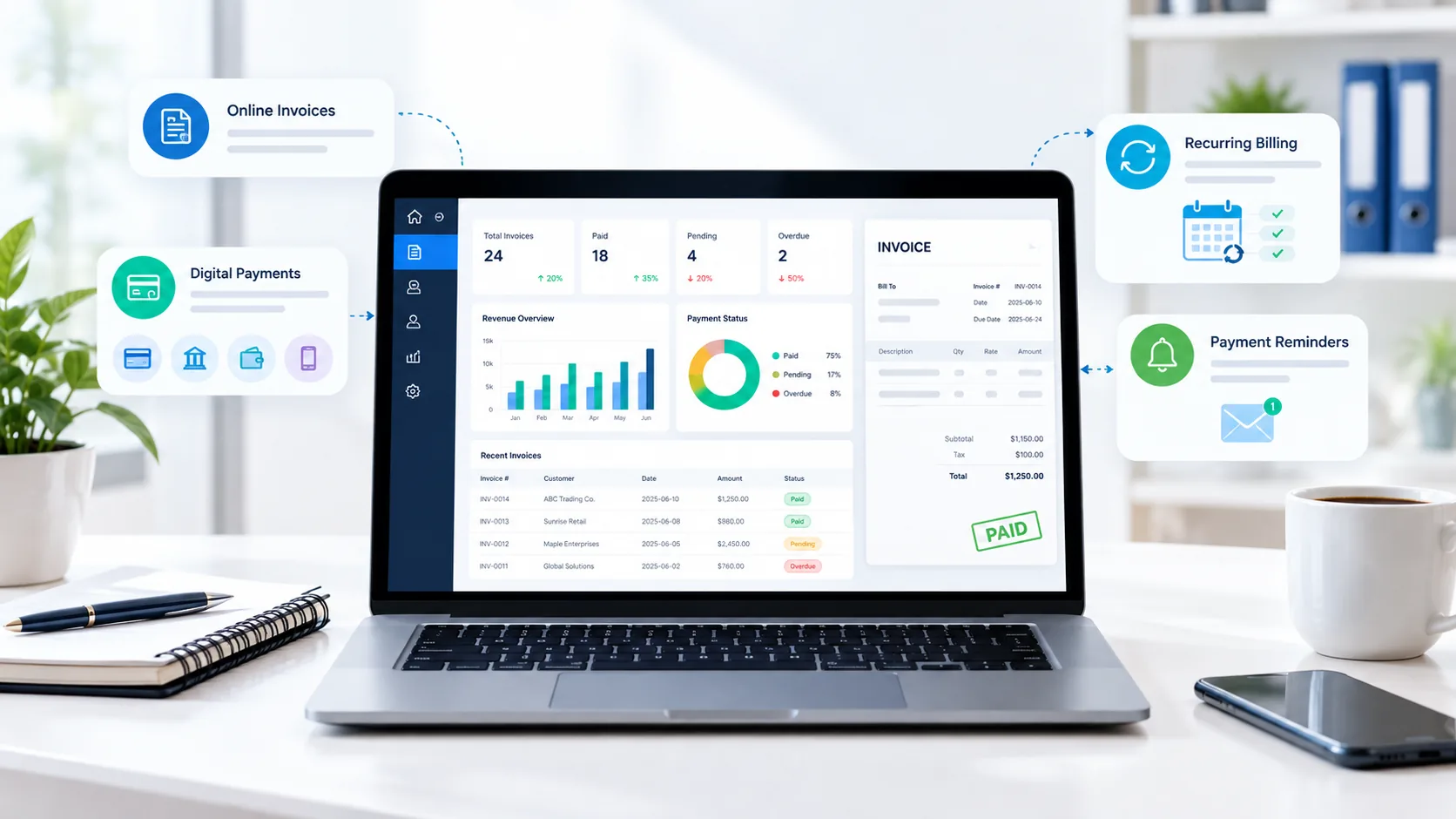
Invoicing software is a digital system for creating, sending, tracking and managing invoices. Instead of building each invoice in a document or spreadsheet, a business can keep customer details, products or services, payment terms, invoice status and payment history in one workflow.
For a small business, the useful part is not the invoice template by itself. The bigger benefit is connecting the steps around the invoice: creating it accurately, sending it quickly, giving the customer a convenient way to pay, reminding them when appropriate and recording the result.
Modern products can also support estimates, recurring invoices, deposits, payment links, expenses, reporting and accounting integrations. The right feature set depends on whether you are a freelancer, consultant, agency, retailer, contractor, service provider or another type of business.
How online invoicing works
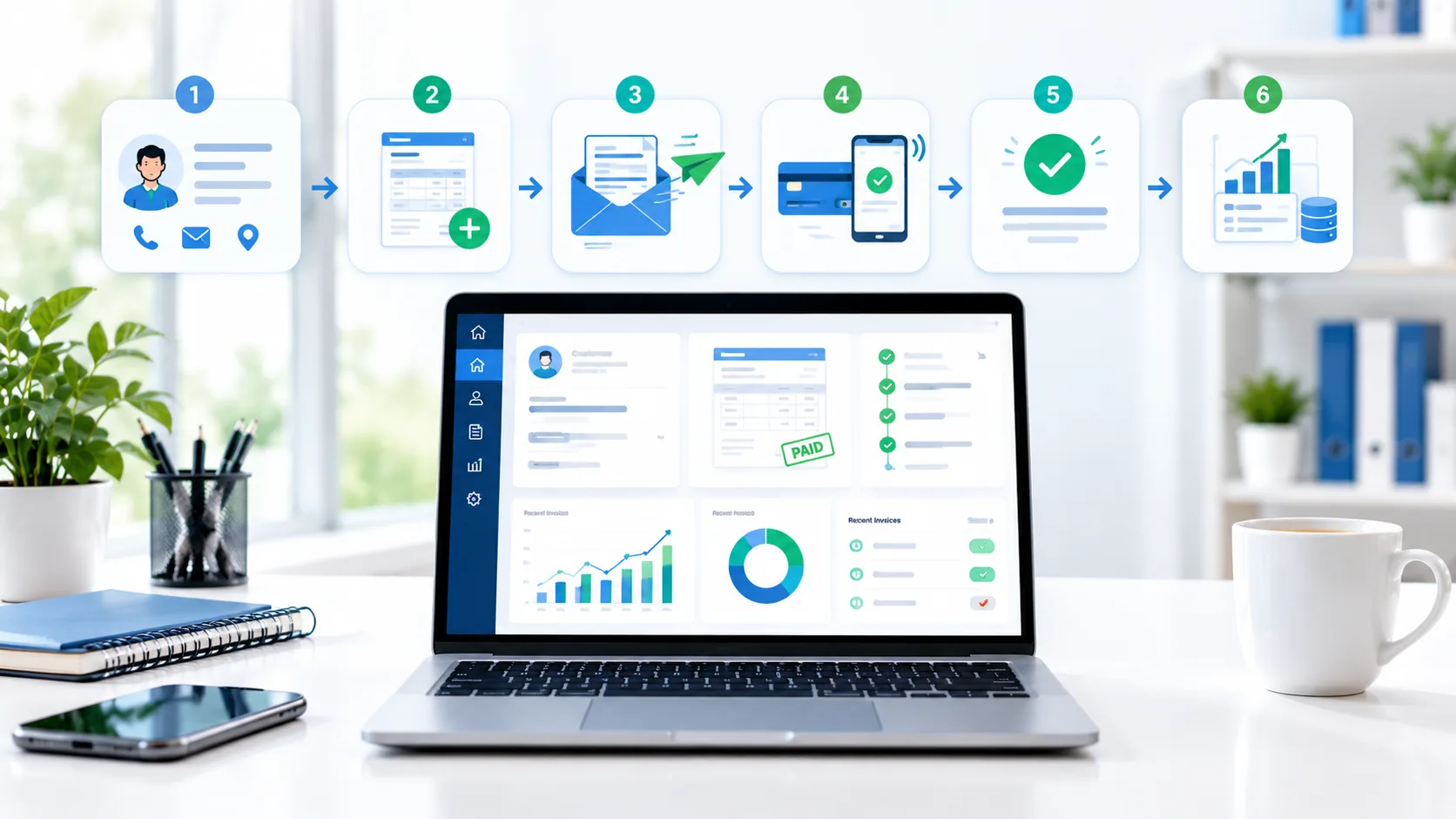
An online invoicing process usually follows a repeatable sequence:
- Add or select the customer: use a saved customer record or enter the required billing details.
- Create the invoice: add products or services, quantities, prices, taxes, discounts and payment terms.
- Review: check the invoice number, dates, totals, tax treatment and payment instructions before sending.
- Send: email the invoice, share a secure link or use another supported delivery method.
- Collect payment: the customer may pay by card, bank transfer, wallet or another method supported in their region.
- Track status: monitor sent, viewed, paid, partially paid, pending or overdue invoices.
- Reconcile and report: connect or export the relevant records to your accounting or financial workflow.
Essential invoicing features for small businesses
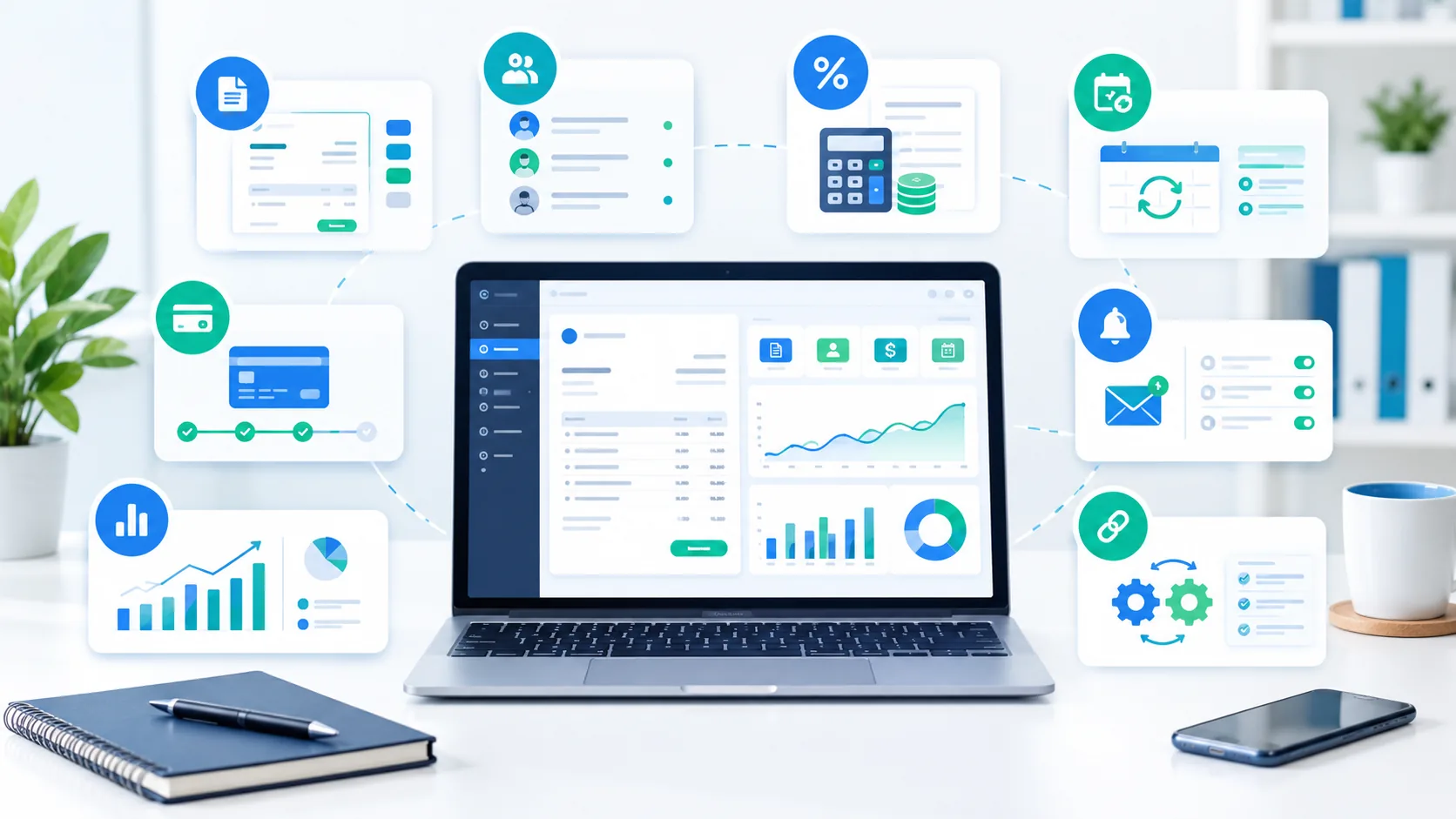
The feature list below is a practical baseline. You do not necessarily need every feature on day one; prioritize the ones that remove a real bottleneck.
1. Custom invoice creation
Look for editable invoice templates, business details, logo support, line items, discounts, tax fields, payment terms and notes. If you sell different services or products, reusable templates can reduce repetitive entry.
2. Customer and contact records
A customer record should make it easy to find billing details, invoice history and payment status. This is particularly useful when you invoice the same customer repeatedly.
3. Invoice status tracking
At minimum, you want to know what has been sent, what has been paid and what is overdue. Some platforms add viewed or partially paid states, which can help with follow-up.
4. Online payment collection
Payment links, cards, bank transfers and digital wallets can reduce friction. Check which payment methods are available in your country and what transaction fees apply.
5. Recurring invoices
If you bill subscriptions, retainers, memberships or regular service contracts, recurring invoicing can automatically create and send invoices according to a schedule.
6. Automated reminders
Automatic reminders can reduce the need to manually chase every outstanding invoice. Check whether reminders can be scheduled before the due date, on the due date and after the due date.
7. Reports and exports
Useful reports can show outstanding receivables, paid invoices, sales activity and payment history. Data export is also important if you change software later.
8. Integrations
Accounting, CRM, payment, inventory and project-management integrations can prevent duplicate data entry. Only pay for integrations that support a workflow you actually use.
Free vs paid invoicing software
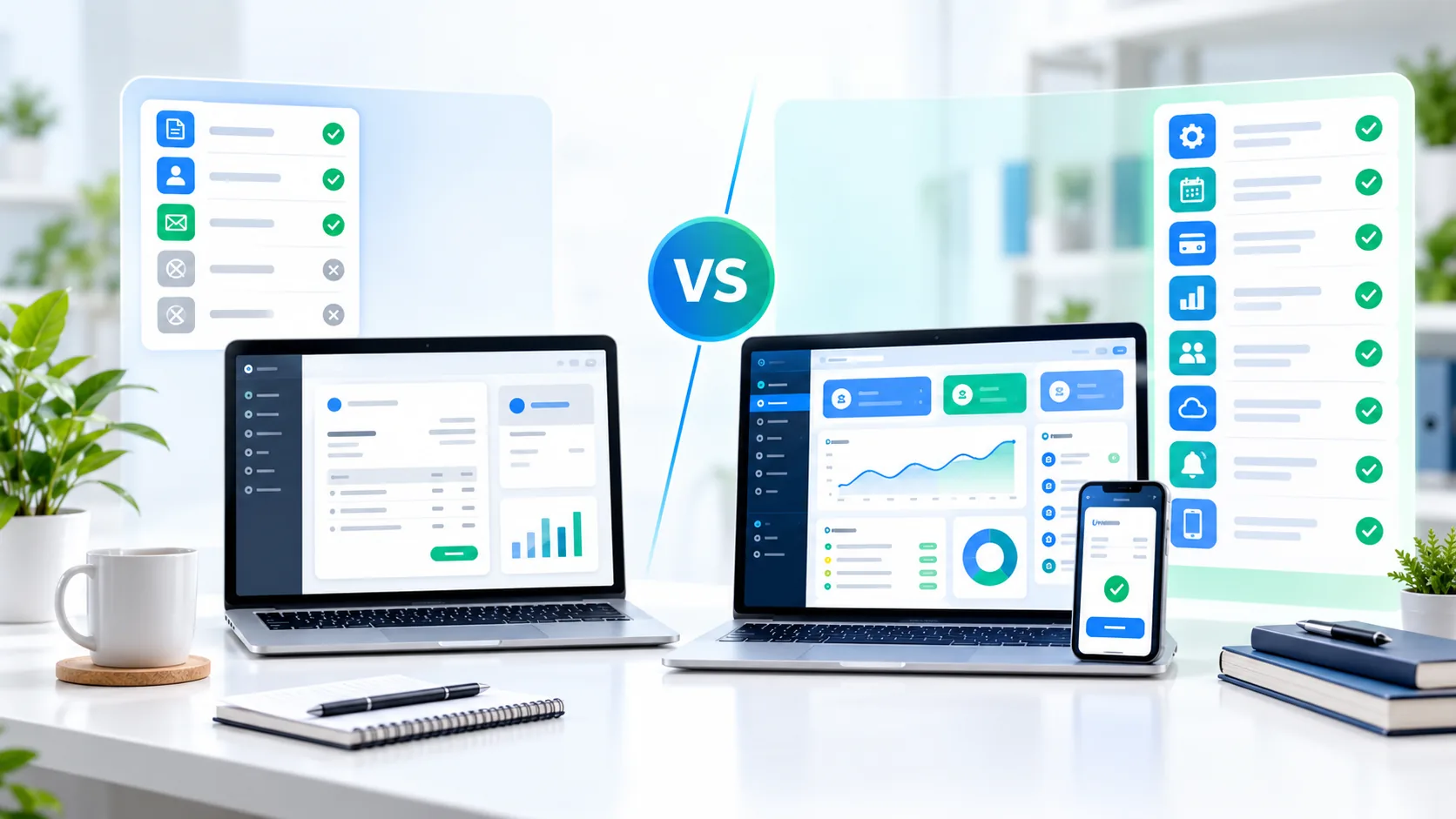
The phrase free invoicing software for small business can mean several different things. A product may have a genuinely free plan, a free trial, free invoice creation but paid payment processing, or a free tier with limits.
| Consideration | Free or basic plan | Paid or advanced plan |
|---|---|---|
| Invoice creation | Usually enough for straightforward invoices. | More templates, customization or workflow controls may be available. |
| Payment collection | May be available with transaction fees. | More payment options or advanced controls may be included. |
| Automation | Often limited. | Recurring invoices, reminders and workflows are more common. |
| Reporting | Basic status or sales views. | More detailed reports, exports and analytics. |
| Users and roles | Often designed for a single owner or small team. | More users, permissions or collaboration options. |
| Support and integrations | May have fewer integrations or support options. | Broader integrations and higher support tiers may be available. |
For a new business with low invoice volume, a free plan can be perfectly practical. Upgrade when a specific limitation costs more time or money than the subscription itself.
Online invoicing and digital payments
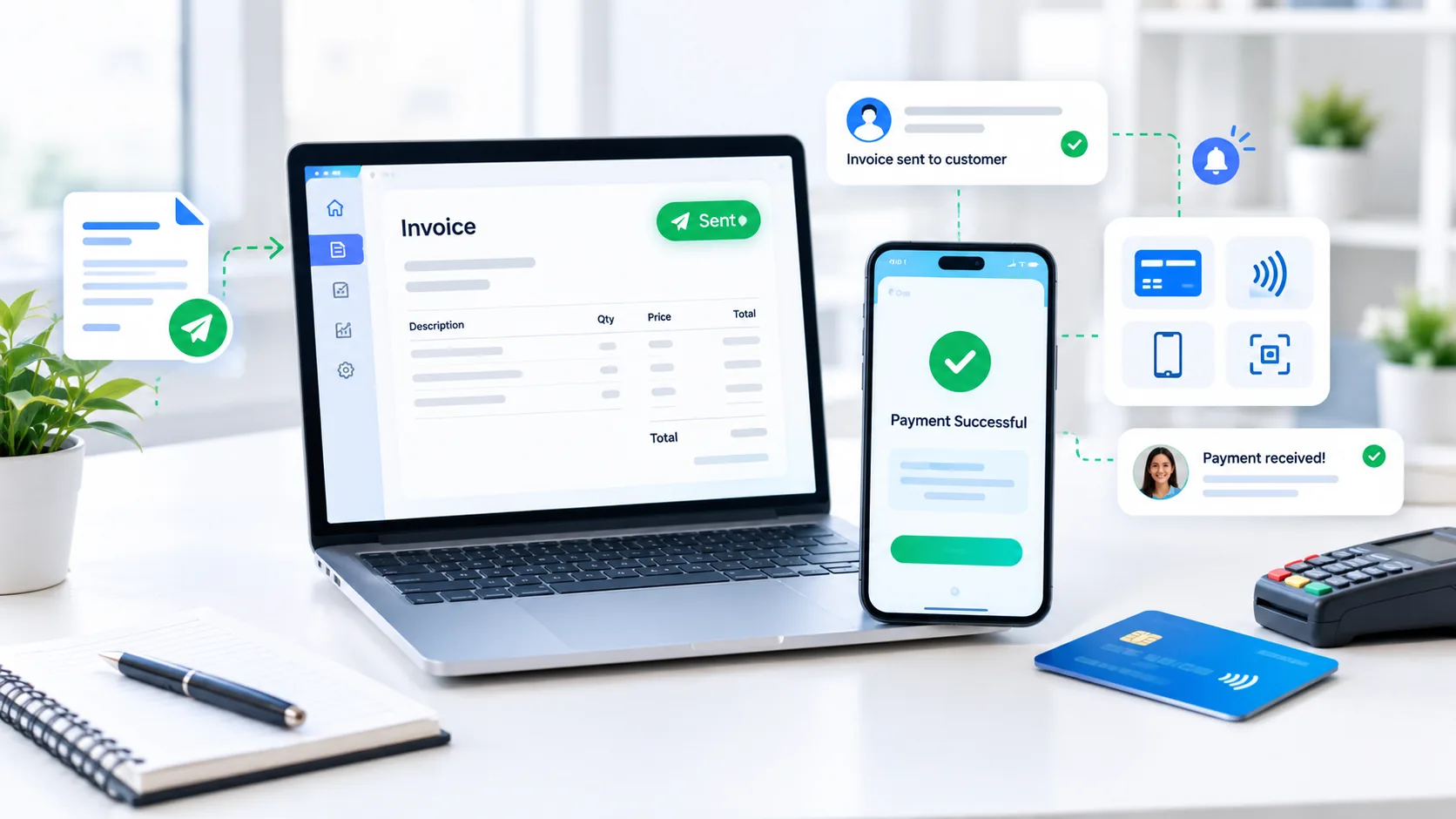
Payment collection is where invoicing software can move beyond document creation. A customer can receive an invoice and, where supported, pay from the invoice page rather than arranging a separate transfer.
Before enabling online payments, compare the payment methods your customers actually use, settlement times, transaction fees, currency conversion costs, chargeback rules and whether payment data is handled by the invoicing provider or a separate processor.
For example, Stripe currently lists Invoicing Starter at 0.4% per paid invoice and Plus at 0.5% per paid invoice for one-time invoices, while payment processing is separate. Square's US invoicing offering has no monthly subscription cost on its Free tier, but payment processing fees apply when customers pay online. These are examples of different pricing models, not a recommendation.
Invoice automation and payment reminders
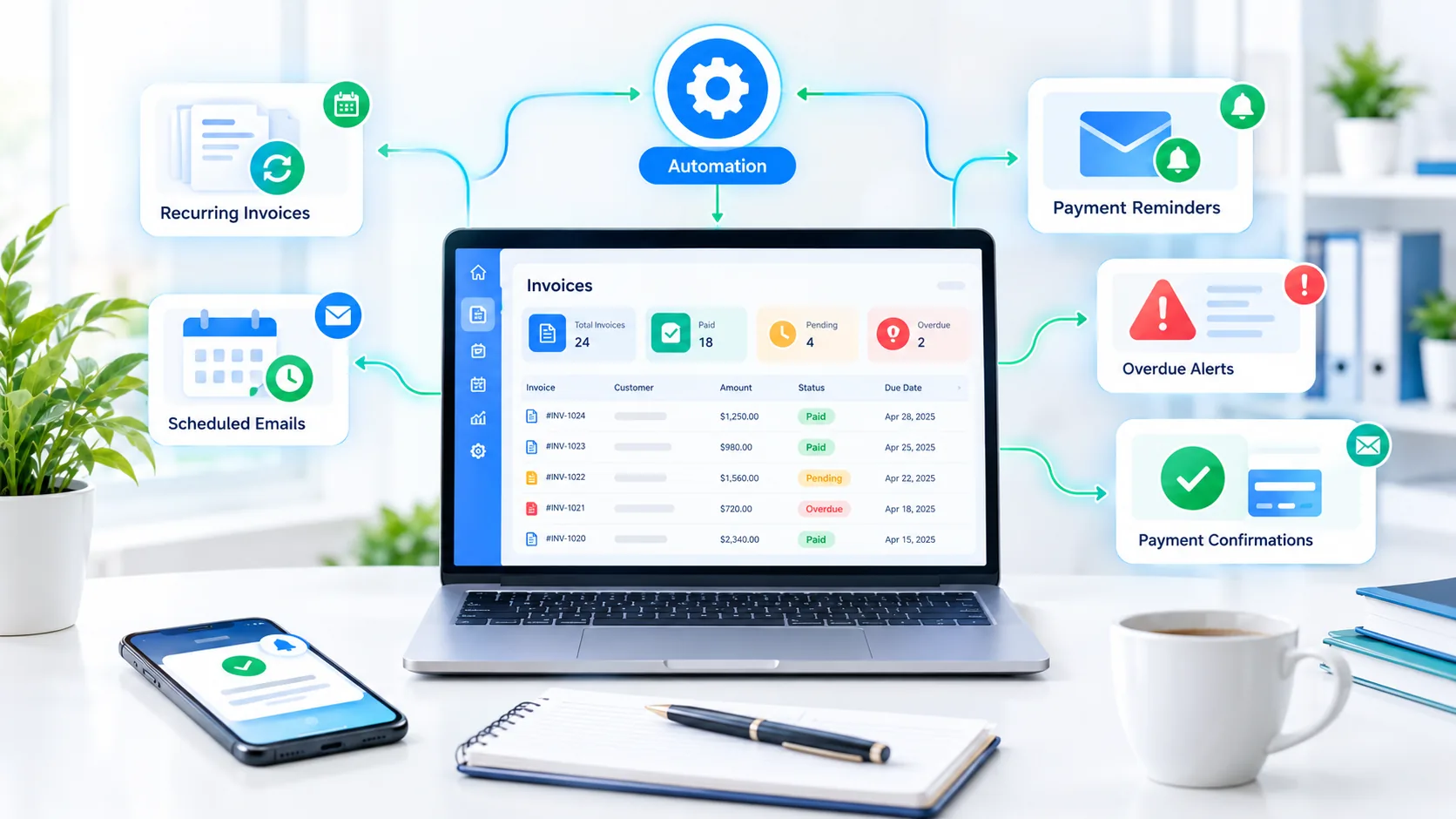
Automation is most useful when it handles a predictable process. Common examples include recurring invoices for monthly services, automatic reminders for unpaid invoices, scheduled emails and payment confirmations.
Automation should not mean “send everything automatically.” Keep human review for unusual amounts, new customers, disputed charges, refunds, tax exceptions and other cases where an incorrect action could create a customer or financial problem.
Invoicing software comparison: what to look at
There is no universal winner because invoicing software can serve very different business models. A freelancer may mainly need professional invoices and payment links, while a growing company may need accounting, inventory, subscriptions, multiple users and detailed financial controls.
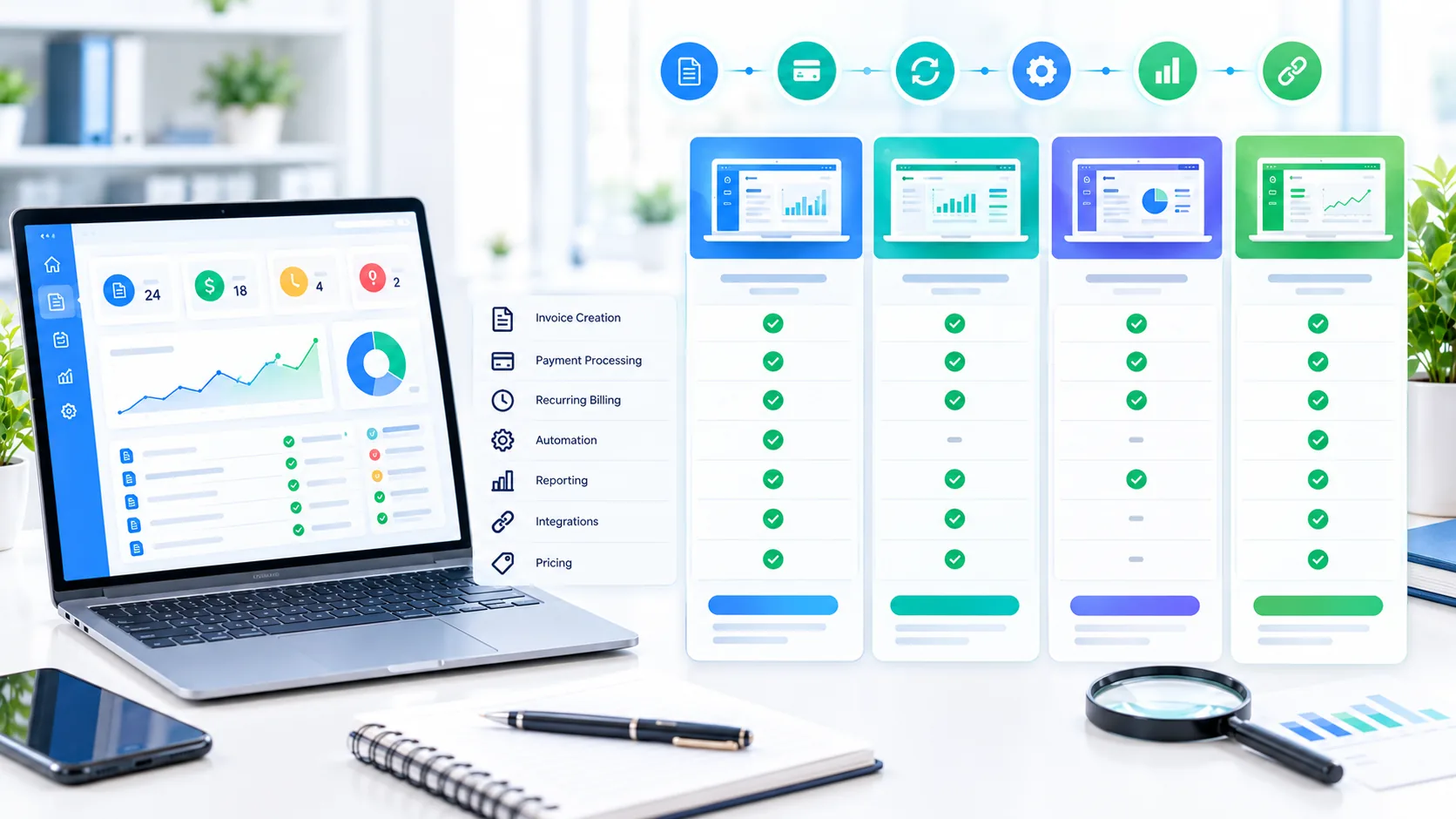
QuickBooks Online
Accounting + invoicingQuickBooks combines invoicing with broader accounting workflows. Its current product pages show custom invoices and quotes, bank connections, tax tracking, reports and additional accounting capabilities depending on plan. The provider's US pricing page currently displays Simple Start at $38/month before promotional offers; pricing and promotions vary by market and date.
Consider it when: invoicing needs to live closely with bookkeeping, expenses, bank feeds and financial reporting.
View QuickBooks invoicing →Zoho Invoice
Free invoicingZoho Invoice currently describes its US product as a forever-free invoicing solution with professional invoices, payment reminders, recurring invoices, expense tracking, a customer portal and integrations with Zoho products. Country-specific features and limits can differ.
Consider it when: you want a dedicated invoicing workflow with no subscription fee and your required limits fit the product.
View Zoho Invoice pricing →Wave
Free + paidWave's current pricing page lists a $0 Starter plan with unlimited estimates, invoices and bills, while online payment processing carries transaction fees. Its Pro plan is currently displayed at $19 USD/month and adds features such as bank-transaction automation and receipt capture. Availability and payment features can vary by country.
Consider it when: you want a low-cost starting point and need basic invoicing plus optional financial-management features.
View Wave pricing →FreshBooks
Invoicing + accountingFreshBooks combines invoicing, payments, expenses and accounting-oriented workflows. Its official 2026 pricing update lists US Lite at $23/month, Plus at $43/month and Premium at $70/month, with annual pricing and regional currencies also shown by the provider.
Consider it when: you want invoicing alongside time, expenses and broader client-finance workflows.
View FreshBooks pricing →Square Invoices
Payments + invoicingSquare Invoices focuses on invoicing and payment collection. Its current US pricing page describes invoices and recurring invoices, automatic payment reminders and multiple payment methods; the Free plan has no monthly subscription cost, while processing fees apply when payments are accepted.
Consider it when: payment collection and invoicing need to sit close to a broader commerce or payments workflow.
View Square Invoices →Stripe Invoicing
Payments + APIsStripe Invoicing is designed for businesses that want invoice creation, hosted invoice pages, analytics, customer portals and automated collection within the Stripe ecosystem. Its current Invoicing pricing lists 0.4% per paid invoice for Starter and 0.5% for Plus on one-time invoices, with payment processing priced separately.
Consider it when: your business needs flexible payment infrastructure, integrations or API-based invoicing.
View Stripe Invoicing pricing →Invoicing software pricing and total cost
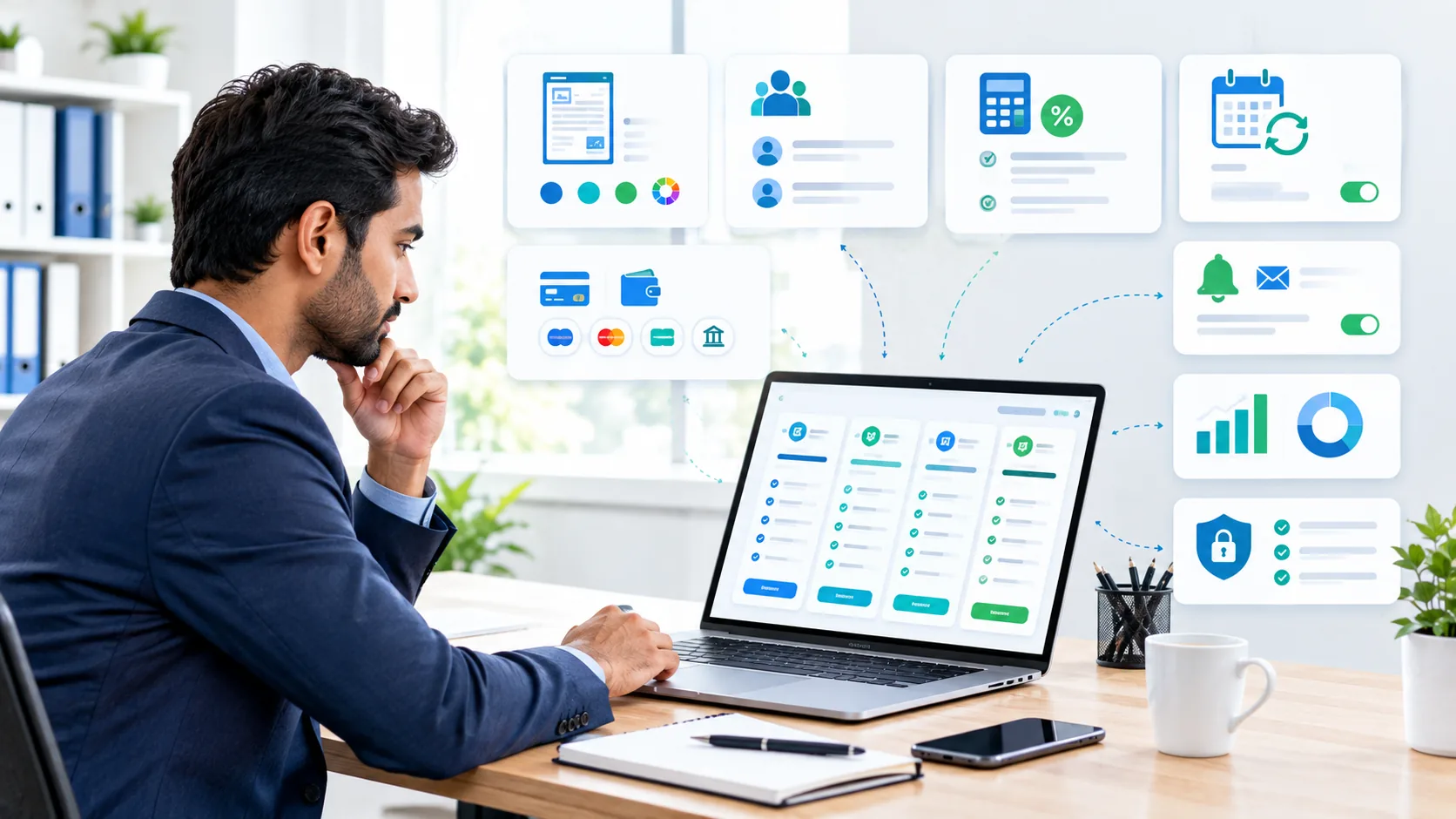
When people search for best invoicing software for small business, price is often one of the first filters. But a more useful calculation is total cost of ownership.
- Subscription: monthly or annual software fee.
- Payment processing: card, bank-transfer or wallet fees when customers pay through the platform.
- Users: extra seats or staff accounts.
- Add-ons: advanced automation, payroll, tax, storage, integrations or premium support.
- Currency conversion: relevant when you bill international customers.
- Migration: time or professional fees needed to move customers and historical records.
- Time savings: reduced manual entry, follow-up and reconciliation can be a real economic benefit.
Pricing pages also change. For example, QuickBooks announced 2026 pricing changes for some plans, while FreshBooks published a 2026 price update. Treat the prices above as a dated snapshot, not a permanent quote.
How to choose invoicing software for a small business
Start with the workflow, not the brand name. A simple decision process is:
- Count your invoices: estimate monthly and annual volume.
- List payment methods: identify what your customers actually use.
- Define tax requirements: check the tax, VAT, GST or sales-tax features relevant to your jurisdiction.
- Decide whether you need accounting: standalone invoicing can be enough if bookkeeping happens elsewhere; an accounting suite may reduce duplicate entry.
- Check recurring billing: important for retainers, subscriptions and regular services.
- Check reminders: verify whether automation is included in the plan you would actually buy.
- Check integrations: prioritize CRM, accounting, payments, inventory or project tools that are already part of your workflow.
- Test data export: make sure you can retrieve your business records if you change providers.
- Run a real-world trial: create sample invoices, send them, test payment collection and review reports.
- Calculate total cost: include transaction fees and add-ons, not only the headline subscription.
Invoicing and accounting integration
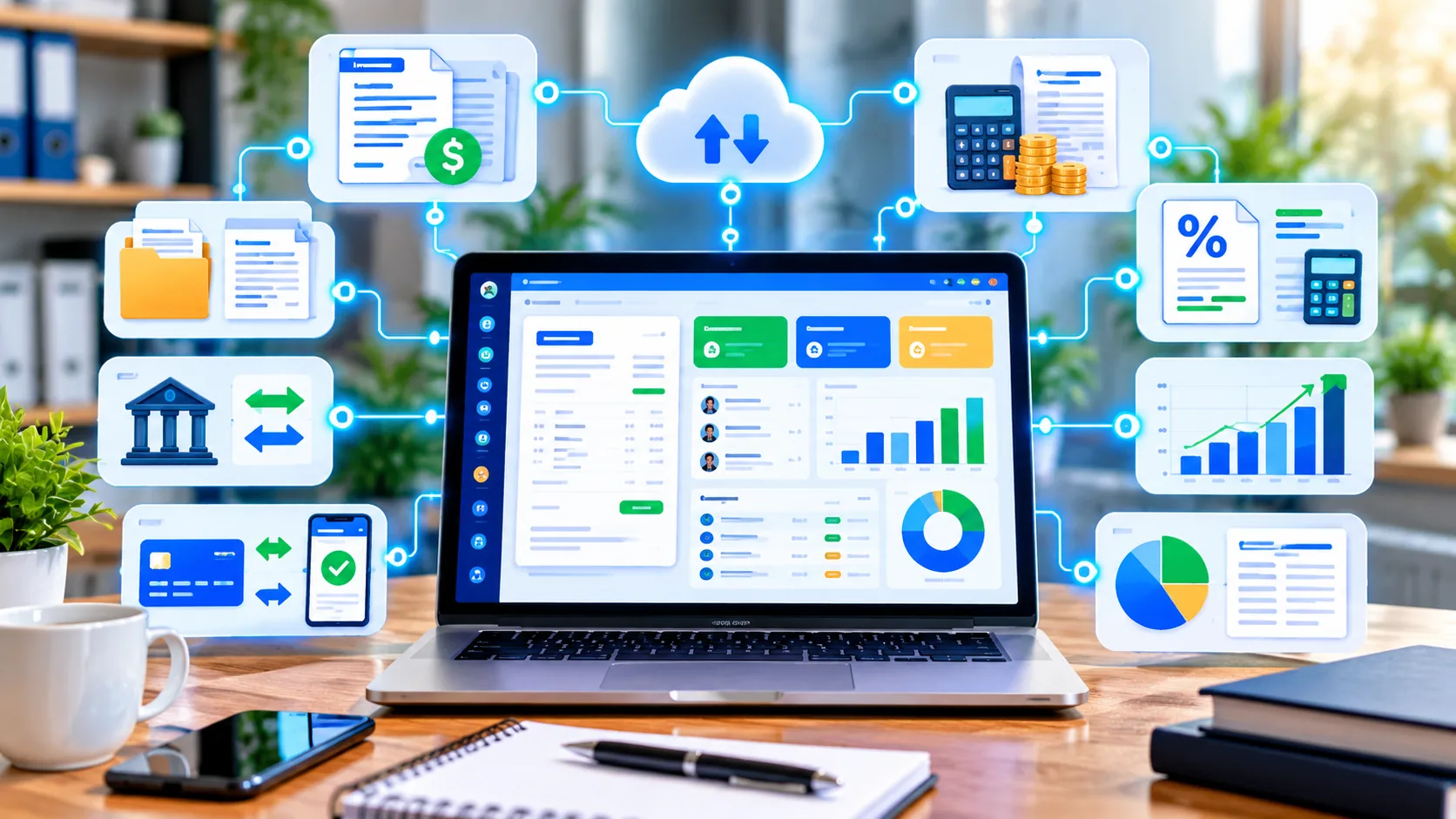
Invoicing and accounting are related but not identical. An invoice records what you are asking a customer to pay; accounting covers a much broader set of financial records and reporting.
If your business already uses accounting software, check whether the invoicing product is part of the same platform or has a reliable integration. The goal is to avoid typing the same customer, invoice and payment information into multiple systems.
QuickBooks, FreshBooks and Zoho all position invoicing alongside broader financial workflows, while Stripe and Square put more emphasis on payments and transaction infrastructure. The right model depends on where your business's financial data already lives.
Invoicing software setup checklist
Once you choose a platform, keep the initial setup controlled:
- Add the business name, address and required tax information.
- Set your invoice numbering system.
- Create a small number of clean invoice templates.
- Add payment terms and accepted payment methods.
- Import only the customer information you actually need.
- Connect accounting or payment integrations carefully.
- Configure recurring invoices only after testing the schedule.
- Set reminder rules that match your customer relationships.
- Define who can issue refunds, change invoices or access financial information.
- Send test invoices before using the system for live customers.
Common invoicing software mistakes
- Choosing on price alone: a free plan can become expensive in staff time if important steps remain manual.
- Ignoring transaction fees: payment processing can be a significant cost at higher invoice volume.
- Over-automating: automatic actions should have safeguards for unusual cases.
- Skipping tax checks: tax fields and calculations must match the rules that apply to your business.
- Importing unnecessary data: start with the customer and invoice records you actually need.
- Not testing exports: understand how you would retrieve your records before you become dependent on the platform.
- Using too many tools: overlapping invoicing, payment and accounting systems can create reconciliation problems.
- Forgetting customer experience: a confusing invoice or payment page can slow collection even when the back office is organized.
How better invoicing can support business growth

Invoicing software does not create growth by itself. Its value comes from improving the financial workflow around work you already sell.
Faster invoice creation can reduce administrative time. Clear payment instructions can reduce friction. Automatic reminders can reduce manual follow-up. Better records can make cash-flow and financial decisions easier. And integrations can reduce duplicate work as the business grows.
The useful metric is therefore not how many features the software has. It is whether the system makes a measurable business process faster, clearer or less error-prone.
Invoicing software for small business FAQ
What is invoicing software for a small business?
It is software for creating, sending, tracking and managing invoices digitally. Depending on the product, it can also support online payments, reminders, recurring invoices, quotes, expenses, reports and accounting integrations.
What is the best invoicing software for a small business?
There is no universal best choice. Compare invoice volume, payment methods, recurring billing, accounting needs, integrations, users, country-specific requirements and total cost against your actual workflow.
Is there free invoicing software for small business?
Yes. Products such as Zoho Invoice and Wave currently offer free options, while other providers offer free tiers or free trials. Limits and payment fees vary, so check the current official plan details.
What should invoicing software include?
At minimum, look for professional invoices, customer records, invoice status, tax fields, payment terms and easy delivery. Depending on your workflow, add online payments, recurring invoices, reminders, reporting and accounting integration.
Can invoicing software automate payment reminders?
Many modern platforms support scheduled reminders. Check whether the reminder rules you need are included in the specific plan you are considering.
How much does invoicing software cost?
Costs range from free plans to monthly subscriptions and usage-based fees. Payment processing, users, add-ons, taxes and currency conversion can change the total.
Can invoicing software connect to accounting software?
Yes. Many products either include accounting features or connect with accounting platforms. The main benefit is reducing duplicate data entry and improving reconciliation.
Final takeaway
Good invoicing software for a small business should make it easier to create accurate invoices, collect payments and keep financial records organized. Start with the simplest workflow that solves your current problem, then add automation, recurring billing, reporting or integrations when they have a clear business benefit.
Free invoicing software can be a sensible starting point for a small operation, while paid tools can make sense when automation, accounting, payments or team workflows justify the additional cost. Compare current plan limits and fees before committing, and always test the full invoice-to-payment workflow with realistic data.
Official sources & pricing references
- QuickBooks Online invoicing — current invoicing features and displayed plan pricing.
- QuickBooks 2026 pricing update — provider announcement about 2026 price changes.
- Zoho Invoice pricing — current US free-plan information and features.
- Wave pricing — current Starter and Pro pricing and payment fees.
- FreshBooks 2026 price update — current USD plan prices and regional pricing information.
- Square Invoices pricing — current US invoicing features and processing fees.
- Stripe Invoicing pricing — current invoicing fees and feature tiers.
Pricing and product packaging are time-sensitive. This article was prepared using official provider information available on September 30, 2026. Regional pricing, taxes, promotions and payment fees can differ.