What is appointment scheduling software?
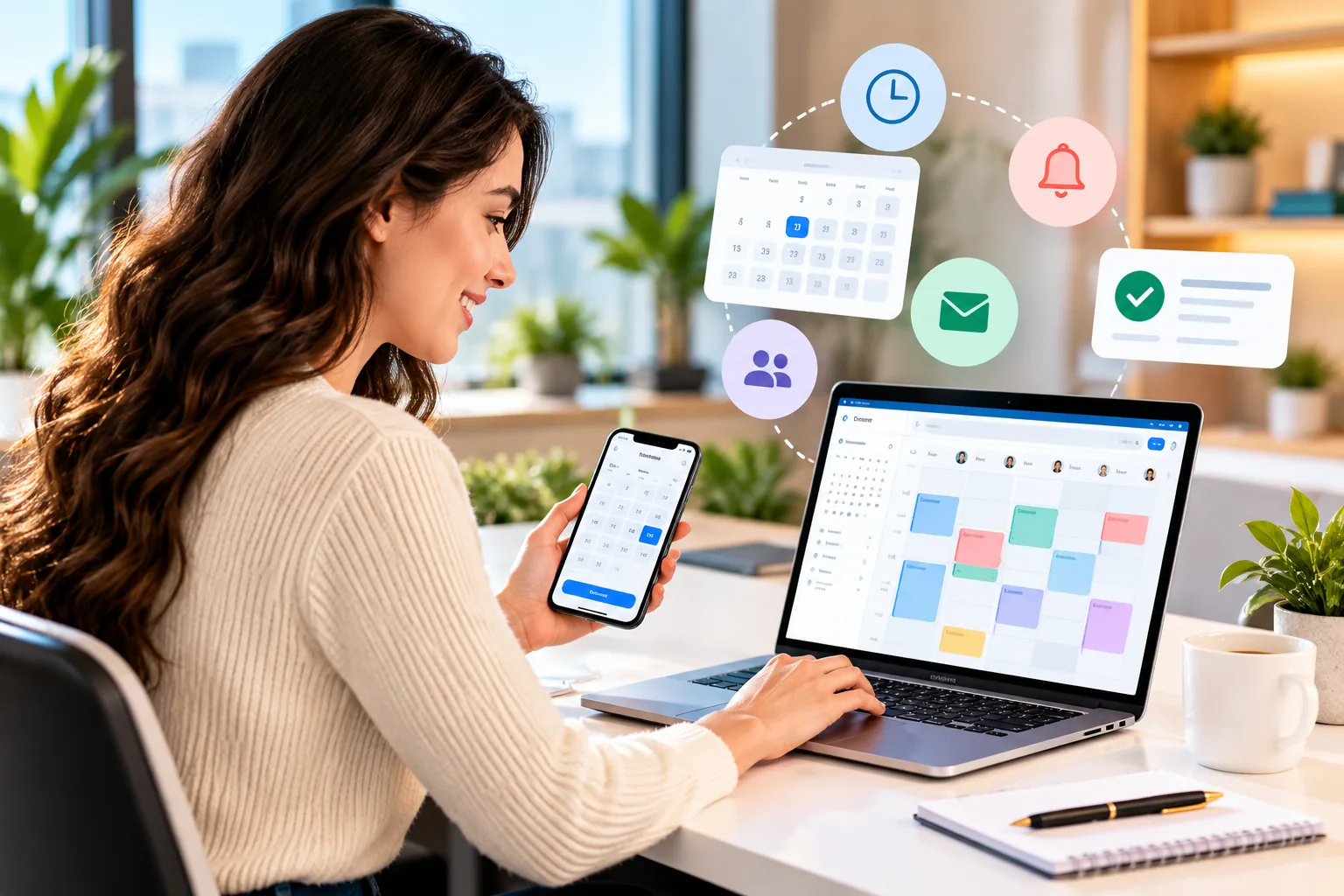
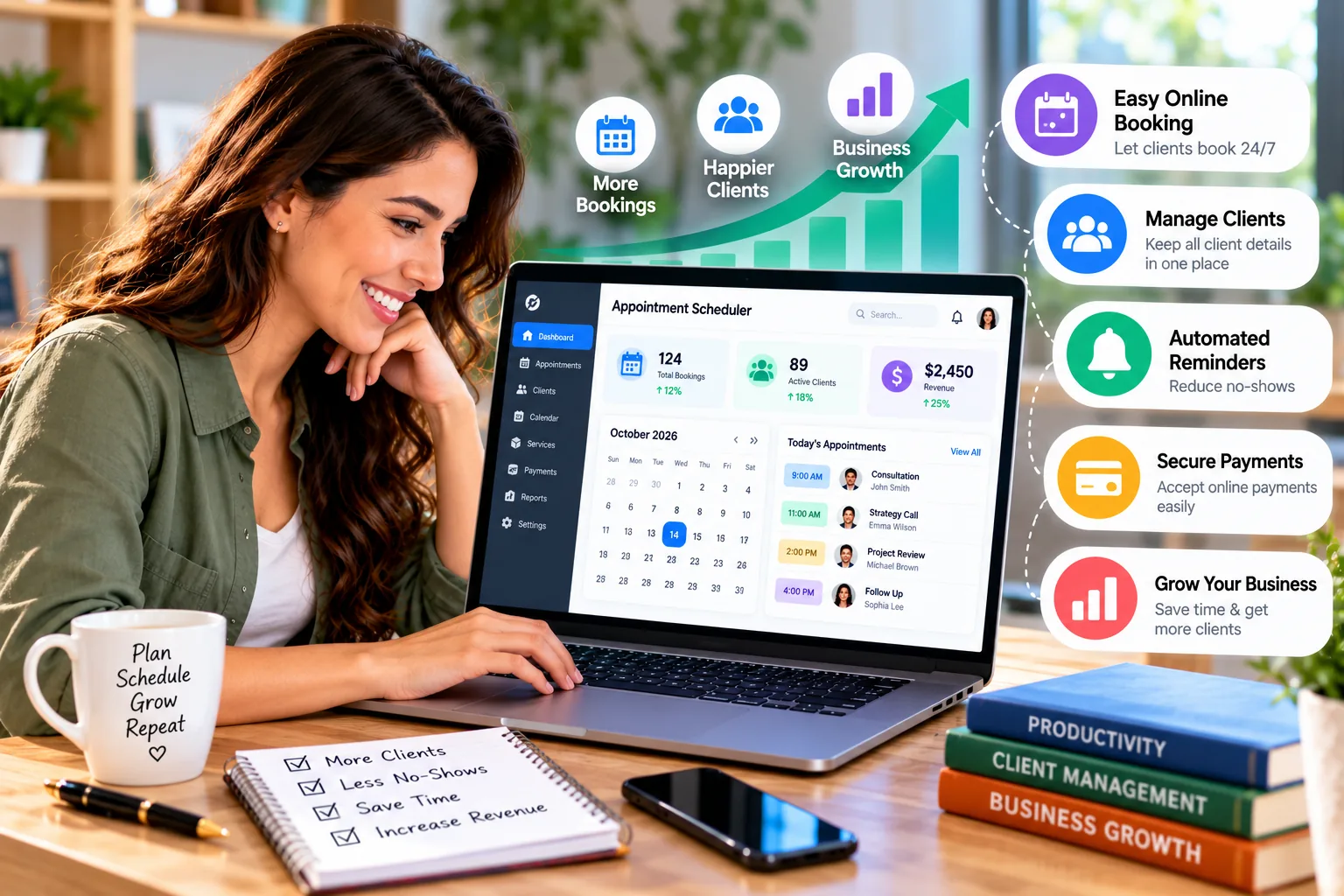
Appointment scheduling software lets customers view available time slots and book a service or meeting without a long back-and-forth by phone, email or message. Depending on the product, it can also send confirmations, reminders, collect intake details or deposits, synchronize calendars, and help staff manage changes.
For a small business, the goal is not to automate every customer interaction. It is to make the routine booking process reliable while keeping exceptions—complex requests, sensitive information and unusual scheduling needs—easy for a person to handle.

Why small businesses use online appointment booking
- Fewer booking messages: customers can select a time from your real availability instead of waiting for a reply.
- Fewer calendar conflicts: calendar synchronization and availability rules can reduce accidental double-booking.
- Clearer reminders: confirmations and reminders help customers remember the appointment and understand how to reschedule.
- Better customer experience: people can book outside normal business hours when a booking page is available.
- Less admin work: booking details, forms and payment records can stay connected rather than spread across inboxes.
- More visibility: a team can review upcoming appointments and manage cancellations in one place.
Scheduling software cannot guarantee fewer no-shows or more revenue. Results depend on the service, the customer experience, reminder timing, cancellation policy and how well the tool is configured.
Features to look for
Online booking page and availability rules
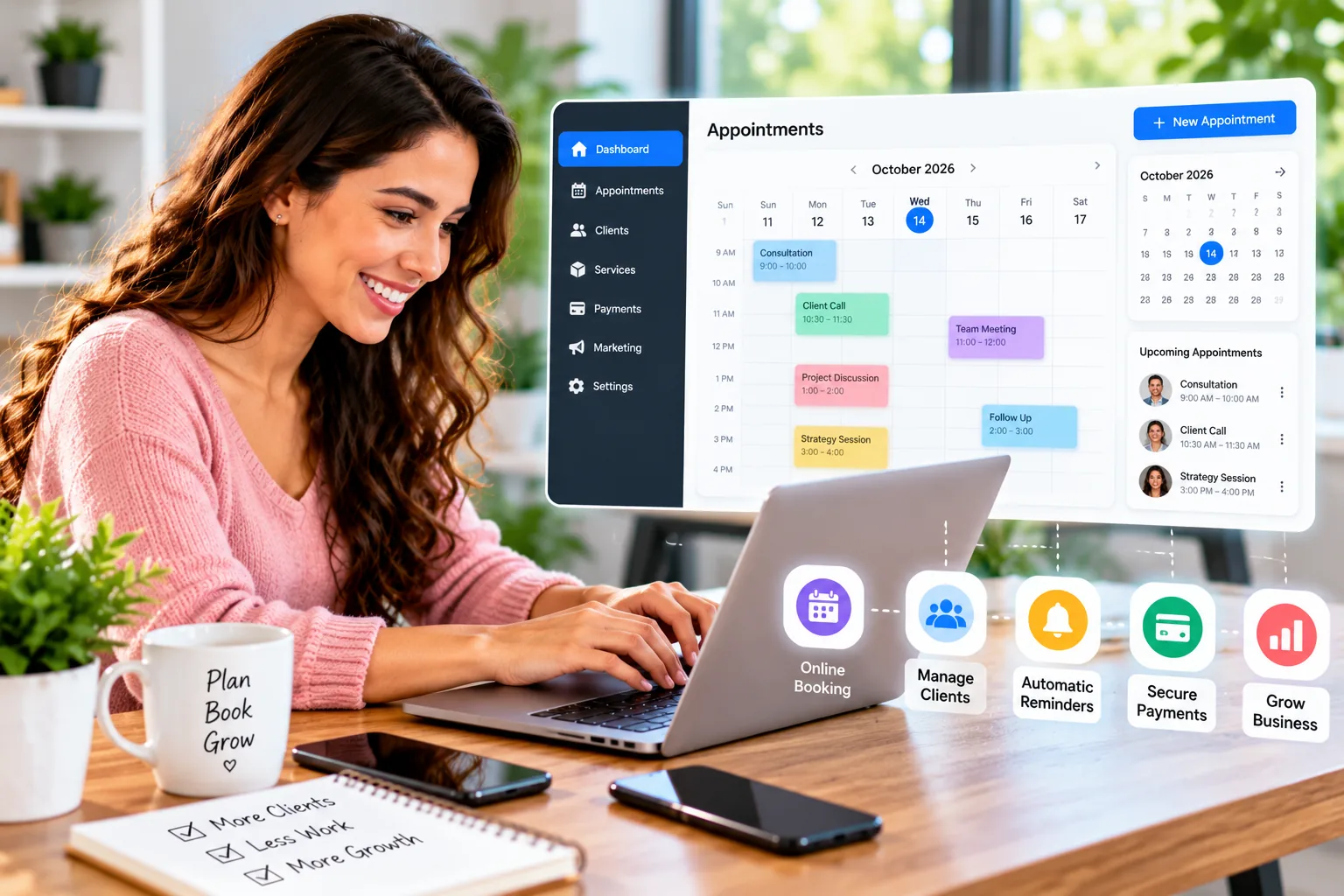
Look for a booking page that can be shared by link or embedded on a website. Check buffers between appointments, minimum notice, advance booking windows, working hours, breaks, holidays and cancellation rules.
Calendar synchronization
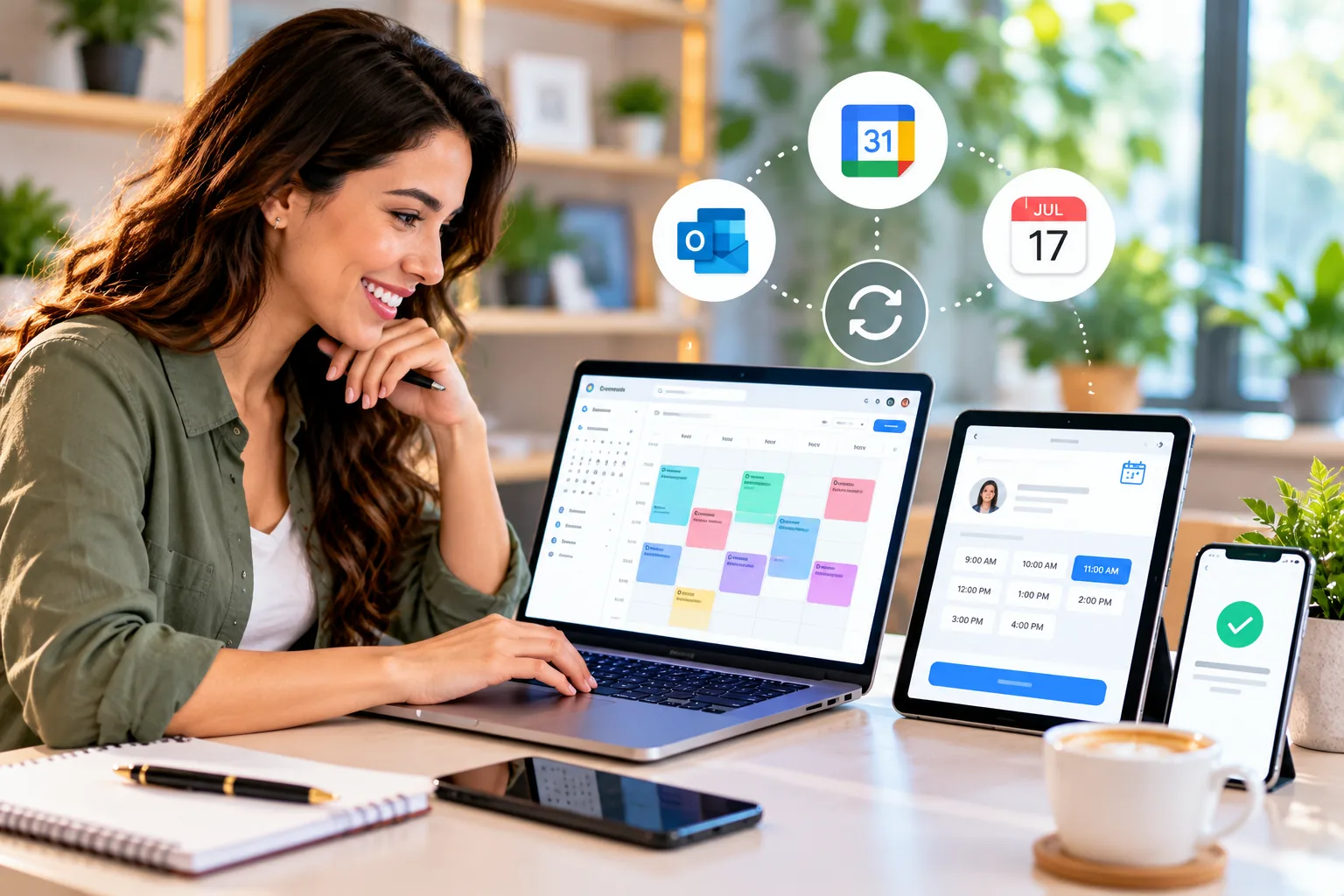
Confirm which calendars can connect and whether events block availability in both directions. Check how the software handles multiple calendars, time zones, recurring events and last-minute changes. Do not assume every plan includes unlimited connections.
Confirmations and reminders
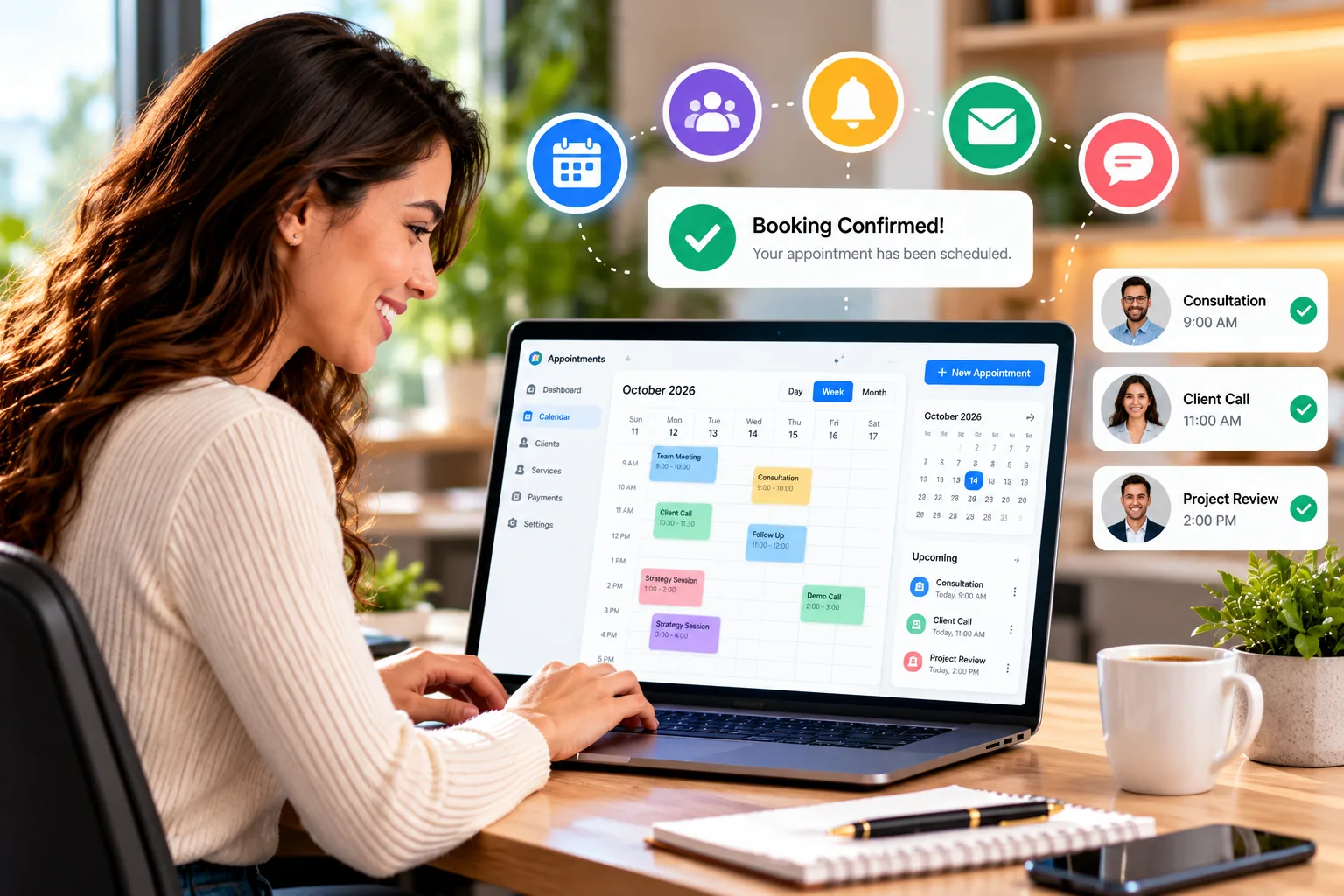
Email reminders may be included in an entry-level plan, while SMS, custom timing or higher message volumes can cost extra or require an upgrade. Check whether reminders can be customized, what time zone is used, and whether customers can reschedule from the notification.
Payments, deposits and cancellation policies
For salons, coaches and other service businesses, deposits or prepayment may help formalize a booking. Check supported payment processors, transaction fees, refunds, deposits, cancellation charges and whether payment collection is available in your country.
Team scheduling and resources
Teams may need separate calendars, round-robin assignment, staff-specific services, rooms or equipment. A solo plan may not support these workflows. Check whether prices are per seat, per provider, per location or per account.
Client records, forms and integrations
Intake forms, customer history, video meeting links, CRM integrations and workflow automation can be useful, but can also introduce extra complexity. Collect only the customer data you actually need and review permissions, retention and export options.
Quick comparison: best appointment scheduling software
| Software | Best fit | Free option | Published starting paid price | Key consideration |
|---|---|---|---|---|
| Calendly | Consultations, demos and one-to-one meetings | Yes; one event type and one calendar connection | $10/seat/month Standard, billed annually | Team routing and advanced controls require higher plans. |
| Square Appointments | US-based service businesses that want booking and payments together | Yes; $0 monthly subscription | Plus $49/location/month; Premium $149/location/month | Payment processing fees apply; check country availability. |
| Acuity Scheduling | Service businesses needing forms, payments and client scheduling | No permanent free plan; 7-day trial | $16/month Starter, billed annually | More calendars, SMS reminders and packages depend on plan. |
| Setmore | Small teams looking for a straightforward booking page | Yes; up to 4 users | Pro from $5/user/month with annual billing | Check reminder, branding and team feature limits. |
| Zoho Bookings | Solo professionals and businesses already using Zoho | Yes; one user | Basic $6/user/month billed annually | Country-specific pricing and plan limits vary. |
| SimplyBook.me | Service businesses needing a booking site and configurable features | Yes; up to 50 bookings/month and 1 provider | Basic $11.90/month billed annually | Booking volume and custom-feature limits matter. |
Prices above are provider-published US-dollar reference prices checked on October 19, 2026, usually for annual billing where noted. They are not directly equivalent: some charge per seat, others per location or booking volume. Taxes, payment processing, SMS credits, add-ons, currency and local availability can change the total.
1. Calendly — best for consultations and meetings
Best for: consultants, freelancers, sales teams, recruiters and businesses that primarily book conversations rather than in-person service appointments.
Calendly is built around shareable scheduling links and calendar availability. Its Free plan includes one event type, one calendar connection and one-on-one scheduling. The Standard plan adds unlimited event types, multiple calendar connections, automations and reminders, plus Stripe and PayPal connections. Team scheduling and lead routing are aimed at larger workflows.
- Advantages: simple booking links, familiar meeting workflows and integrations for online meetings.
- Limitations: the free tier is intentionally limited; team and routing features can require paid seats.
- Pricing reference: Free; Standard $10/seat/month billed annually; Teams $16/seat/month billed annually. Confirm current pricing before subscribing.
Choose Calendly when your main need is to let a prospect or client book a meeting into your calendar. If you need a full service menu, deposits, staff resources or salon-style operations, compare Square, Acuity or SimplyBook.me as well.
2. Square Appointments — best for service businesses that take payments
Best for: eligible US salons, beauty professionals, wellness businesses and other service providers that want appointments and payments connected to a broader Square workflow.
Square Appointments combines an online booking site, staff schedules, service management and payment tools. Its official US pricing page lists a Free plan at $0 per location, Plus at $49/month per location and Premium at $149/month per location. Paid plans can add more advanced scheduling and business controls; payment processing fees are separate.
- Advantages: booking and payments can live in one system; Google Calendar sync and staff schedules are supported.
- Limitations: Square product availability and payment processing differ by country; do not assume US pricing applies worldwide.
- Pricing reference: Free $0/location/month; Plus $49/location/month; Premium $149/location/month, plus applicable payment fees.
Square is a strong candidate when taking payments is central to the appointment. Check your country eligibility, hardware requirements and transaction rates before committing.
3. Acuity Scheduling — best for advanced service appointments
Best for: coaches, instructors, consultants and service businesses that need intake forms, payment collection, packages or more than one calendar.
Acuity supports client self-scheduling, intake forms, email reminders, automatic time-zone conversion and payment integrations such as Stripe, Square, PayPal and Venmo. Its Standard plan adds features such as SMS reminders, waitlists and packages; Premium supports substantially more calendars and advanced customization.
- Advantages: service-focused scheduling, forms and payments are integrated into the booking workflow.
- Limitations: there is no permanent free plan; calendar counts and advanced tools vary by tier.
- Pricing reference: Starter $16/month, Standard $27/month and Premium $49/month when billed annually; monthly billing is higher.
Consider Acuity when a booking needs more than selecting a time—for example, a customer must answer intake questions, pay a deposit or choose a package.
4. Setmore — best free starting point for small teams
Best for: independent professionals and small teams who want a booking page, reminders and basic payment options without starting with a paid subscription.
Setmore's official site lists a free plan for up to four users with unlimited appointments, a branded booking page, email reminders and confirmations, integrations and mobile apps. Its Pro pricing is shown from $5 per user per month with annual billing; check the current plan selector for region, currency and available options.
- Advantages: a useful free tier for small teams, straightforward online booking and mobile administration.
- Limitations: some reminder, branding, reporting or collaboration capabilities may be plan-dependent.
- Pricing reference: Free for up to four users; Pro from $5/user/month with annual billing.
Start with Setmore if your requirements are simple and the free plan covers your users and booking process. Test one complete appointment, including cancellation and reminder messages, before sharing the link widely.
5. Zoho Bookings — best for Zoho users and budget-conscious solo operators
Best for: solo consultants, small teams and businesses already using Zoho CRM or other Zoho applications.
Zoho Bookings offers a free plan for one user. The paid Basic plan adds more event types and calendar connections, while Premium includes additional workspace capabilities and more advanced booking options. Official US-dollar pricing lists Basic at $6/user/month and Premium at $9/user/month with annual billing; monthly billing costs more. Zoho also publishes localized pricing for supported countries.
- Advantages: a free single-user starting point and a natural fit for businesses already using Zoho.
- Limitations: compare calendar sync, workspace, user and booking-type requirements before upgrading.
- Pricing reference: Free for one user; Basic $6/user/month annually; Premium $9/user/month annually in the US pricing view.
Choose Zoho Bookings when it fits the rest of your business systems. If you only need a meeting link and no wider Zoho workflow, Calendly may be simpler to evaluate.
6. SimplyBook.me — best for configurable service booking
Best for: service businesses that need a booking website or widget, multiple providers, payment options and selectable features for a particular industry.
SimplyBook.me publishes a free plan with up to 50 bookings per month, one provider and one custom feature. Its Basic plan includes up to 100 bookings per month and five providers, with payments, deposits and point-of-sale options available among its features. Higher plans increase booking volume, provider capacity and customization.
- Advantages: a dedicated booking site/widget and a flexible feature model for service workflows.
- Limitations: booking caps and custom-feature limits are important; SMS credits, custom domains or other add-ons may cost extra.
- Pricing reference: Free; Basic $11.90/month annually ($13.90 monthly); Standard $24.90/month annually; Premium $49.90/month annually.
Consider SimplyBook.me when you sell services rather than just meetings and want more control over the booking experience. Check which custom features are included before comparing it with per-seat products.
Best free appointment scheduling software
If the budget is the main constraint, start by matching the free plan to the real booking workflow rather than assuming every “free” plan includes the same features.
- Setmore: useful if you need a small team booking page; the provider lists up to four users on Free.
- Zoho Bookings: useful for one person who needs a simple booking workflow and may later use Zoho tools.
- SimplyBook.me: useful for a service provider who can work within 50 bookings per month and one provider.
- Calendly: useful for one-to-one meetings if one event type and one calendar connection are enough.
- Square Appointments: useful for eligible US service businesses that want a $0 subscription and can account for processing fees.
A free plan is a good starting point only if the limitations do not disrupt your workflow. Before choosing, test calendar connections, reminder delivery, cancellation/rescheduling, staff access and whether payments are supported in your country.
How much does appointment scheduling software cost?
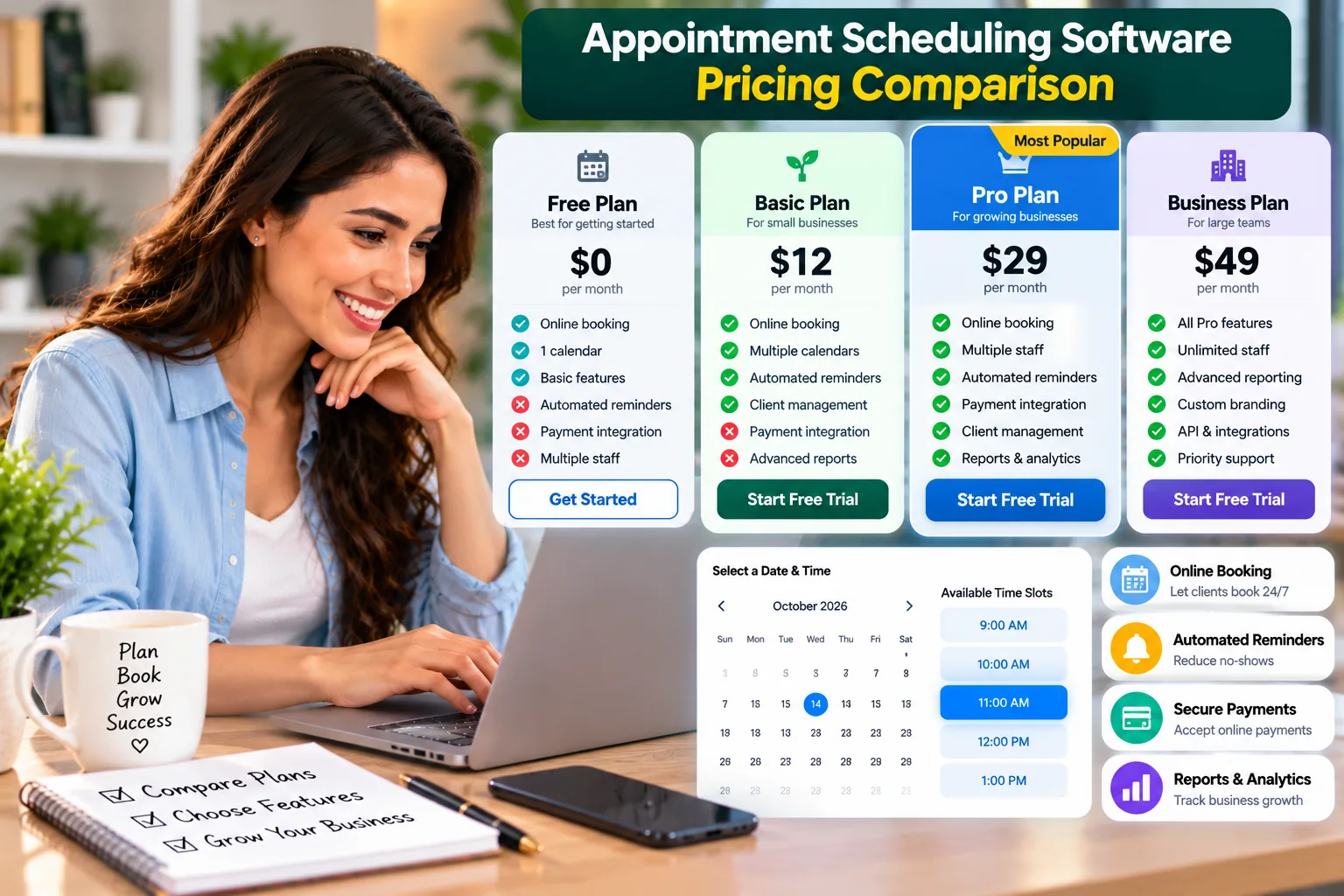
For a small business, scheduling software may cost nothing for a basic workflow or around $5–$20 per user each month for a typical entry paid plan. More complex service systems can cost more when you add providers, locations, SMS credits, branded apps or advanced features. These are broad budget bands, not a quote for any one product.
| Cost factor | What to check |
|---|---|
| Seats or providers | Is the subscription per user, staff member or provider? |
| Locations | Does each store or salon location require another subscription? |
| Booking limits | Are monthly bookings capped, and what happens when you reach the cap? |
| Reminders | Are SMS messages included or sold as credits/add-ons? |
| Payments | Are processor fees charged separately? Are deposits and refunds supported? |
| Integrations | Do CRM, video meetings, calendar sync or automation require a higher plan? |
| Billing and tax | Is the listed rate annual or monthly, and are taxes added? |
Compare the total cost for your actual number of staff, locations and bookings. A cheaper plan can become more expensive if it requires add-ons or a higher tier to handle a core task.
Which scheduling software fits your business type?
| Business type | Shortlist to evaluate | Why |
|---|---|---|
| Consultant or freelancer | Calendly, Zoho Bookings | Simple one-to-one meetings and calendar availability. |
| Salon or beauty service | Square Appointments (where available), SimplyBook.me | Service menus, team calendars, payments and customer booking. |
| Coach or instructor | Acuity Scheduling, Calendly | Intake forms, packages, meeting links or consultations. |
| Small team | Setmore, Zoho Bookings | Multiple users and a shared booking workflow. |
| Service business with booking caps | SimplyBook.me | Provider and booking-volume tiers with configurable features. |
| US business that needs integrated payments | Square Appointments | Booking and payment tools in the Square ecosystem. |
These are starting points, not a universal ranking. Check product availability, required features and pricing in your country before migrating customer data or publishing a booking link.
How to set up online appointment booking
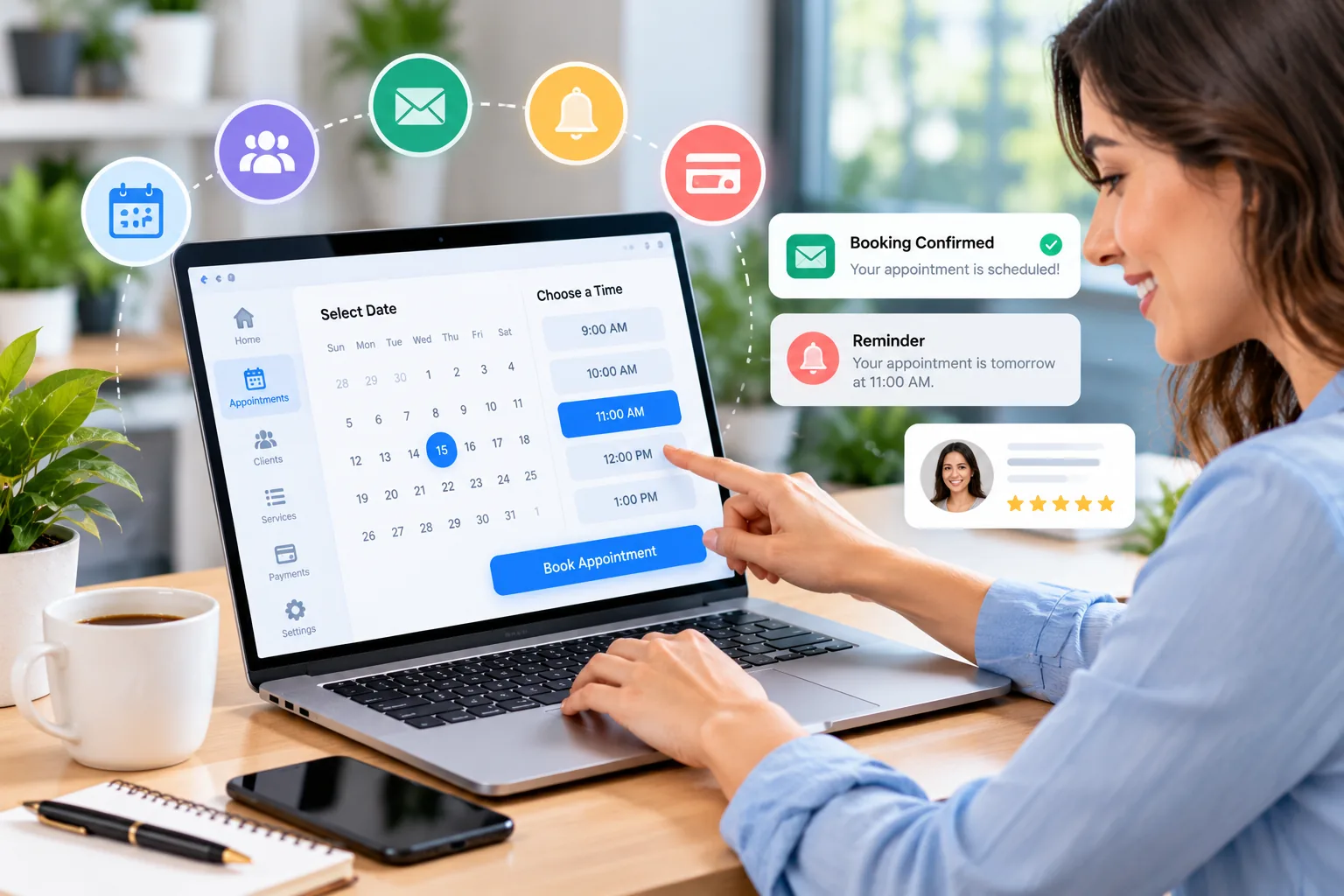
- Choose the booking tool: select a plan that supports your users, services and payment needs.
- Create your profile: add business name, contact details, time zone, service descriptions and policies.
- Set up services: define duration, price, buffer time, location or meeting link, and any intake questions.
- Set availability: add working hours, breaks, holidays, minimum notice and advance booking limits.
- Connect calendars: verify that busy events block availability and that changes sync as expected.
- Configure confirmations: customize reminder timing and check whether SMS costs extra.
- Test and publish: book a test appointment from a customer device, then test cancellation and rescheduling before sharing the link on your website, email or social profiles.
Common mistakes to avoid
Choosing a plan before counting users and bookings
List how many people take appointments, how many bookings you expect per month, and whether you need multiple locations. Compare these numbers with the plan limits.
Ignoring time zones and calendar conflicts
Test with a second calendar or another time zone if you serve remote clients. Confirm that busy time, holidays and buffer periods are respected.
Forgetting the cancellation policy
Make your rescheduling window, deposit terms, late-cancellation fees and refund policy clear before a customer confirms a booking.
Assuming SMS and payments are included
Subscription prices may exclude message credits and transaction fees. Estimate these based on your real appointment volume.
Collecting too much customer information
Ask only for data needed to deliver the service. Limit staff access, review retention and export controls, and avoid collecting sensitive details in a general booking form unless the provider and your process are suitable for them.
Automating without a human fallback
Customers should have a way to contact a person for unusual requests, accessibility needs, payment problems or urgent changes.
Privacy and customer-data considerations
Appointment tools may store names, email addresses, phone numbers, service preferences, notes and payment-related information. Before adopting a platform, review its privacy policy, security documentation, data export and deletion options, user permissions, retention settings and any industry-specific requirements that apply to your business.
Do not assume that a tool is appropriate for regulated health or other sensitive appointments just because it offers booking forms. Confirm the provider’s contractual commitments, regional availability and required plan features before storing sensitive data.
Frequently asked questions
What is the best appointment scheduling software for a small business?
It depends on the workflow. Calendly is a useful starting point for consultations and meetings, Square Appointments for eligible service businesses that need booking and payments, Acuity for advanced service scheduling, Setmore for small teams, Zoho Bookings for Zoho users, and SimplyBook.me for configurable service booking.
Is there free appointment scheduling software for small businesses?
Yes. Calendly, Setmore, Zoho Bookings, SimplyBook.me and Square Appointments publish free options, but their limits differ. Compare calendars, users, booking volume, reminders and payment fees before choosing.
What is the best free scheduling software?
There is no single best free plan for everyone. Setmore may fit a small team, Zoho Bookings may fit one user, Calendly may fit one-to-one meetings, and SimplyBook.me may fit a service business with low monthly booking volume.
Can customers book appointments online 24/7?
Most tools in this guide offer a booking page or link that customers can use whenever your page is available. The times customers can choose are still controlled by your availability settings, booking windows and plan limits.
Can appointment scheduling software accept payments?
Some plans support deposits, prepayment or integrated payment processors. Availability depends on provider, plan and country, and processing fees may be charged separately.
Does scheduling software reduce no-shows?
Automated confirmations and reminders can help customers remember appointments, but no software can guarantee fewer no-shows. Clear policies, convenient rescheduling and suitable reminder timing also matter.
Should I choose a free or paid appointment booking tool?
Start with a free plan if it supports your real workflow. Upgrade when you need additional users, calendars, booking volume, automated reminders, payment features, branding or integrations.
Official pricing and product references
- Calendly pricing — plan features, calendar connections, reminders and seat pricing.
- Square Appointments pricing (US) — location-based plans and payment processing fees.
- Acuity Scheduling pricing — calendars, forms, reminders, payments and annual/monthly prices.
- Setmore official website and pricing — free plan, team limits and Pro plan.
- Zoho Bookings pricing — free, Basic and Premium plans with regional pricing.
- SimplyBook.me pricing — booking-volume limits, providers and custom features.
Pricing and feature details were checked against official provider pages on October 19, 2026. Provider pages can change without notice. Recheck your country, billing frequency, taxes, add-ons and payment-processing fees before purchasing.